Projects
A selection

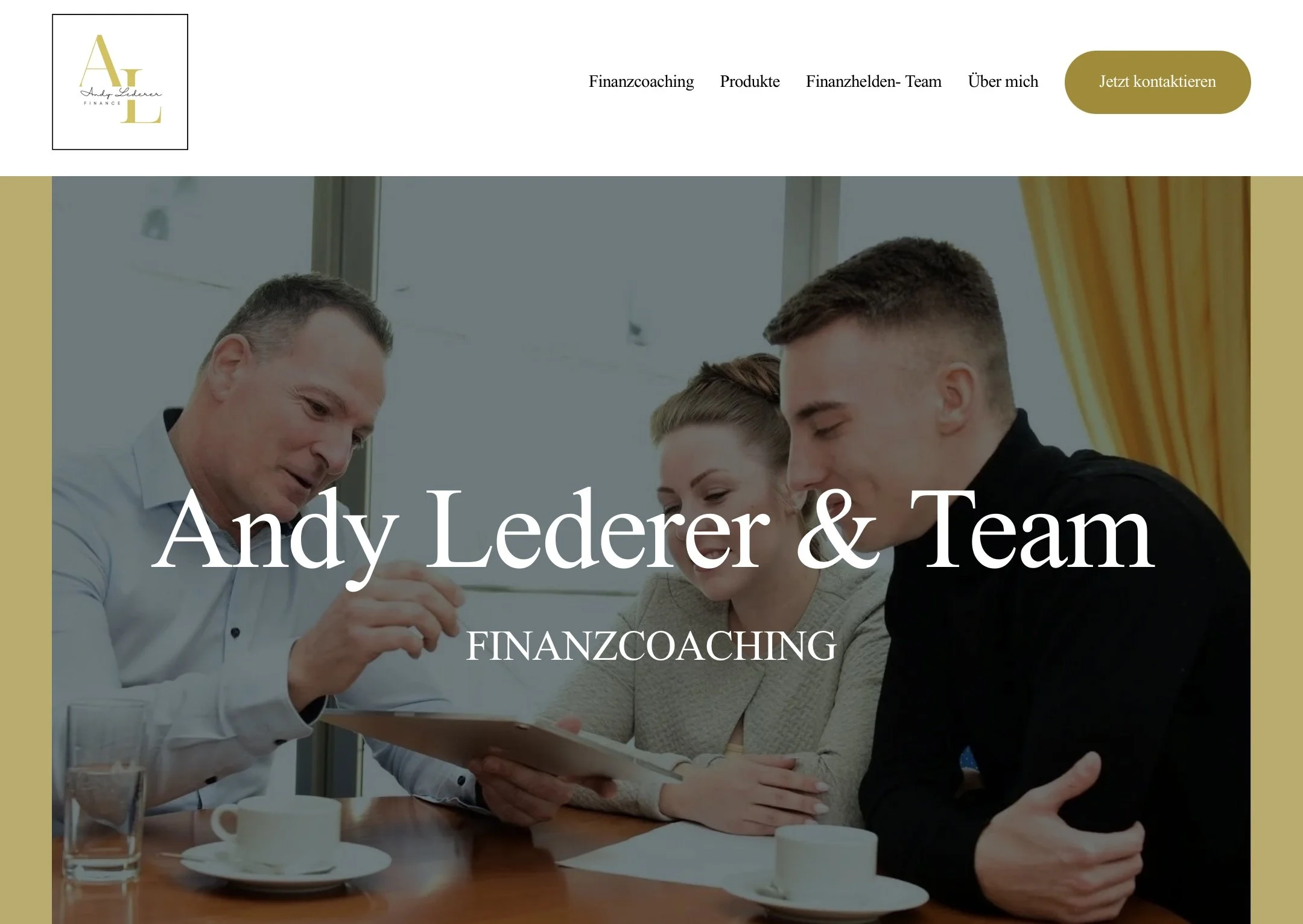
Project: Premium Website
A premium website for financial coach Andy Lederer.
Featuring a special touch: A promotional video. Available in a superhero comic style upon request.
Where ideas
take shape
A promotional video I created for the premium website of financial coach Andy Lederer.

Project: Brand Identity
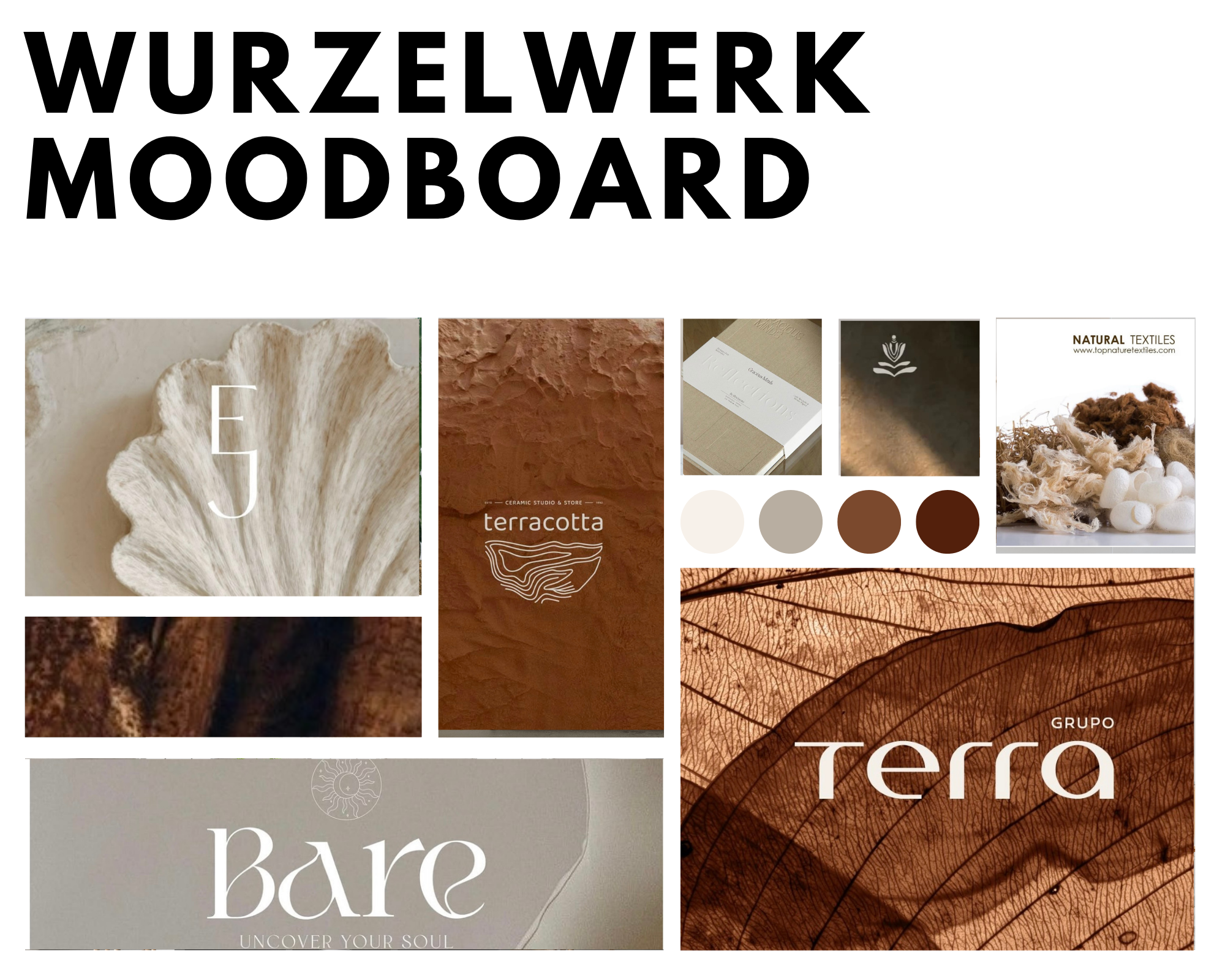
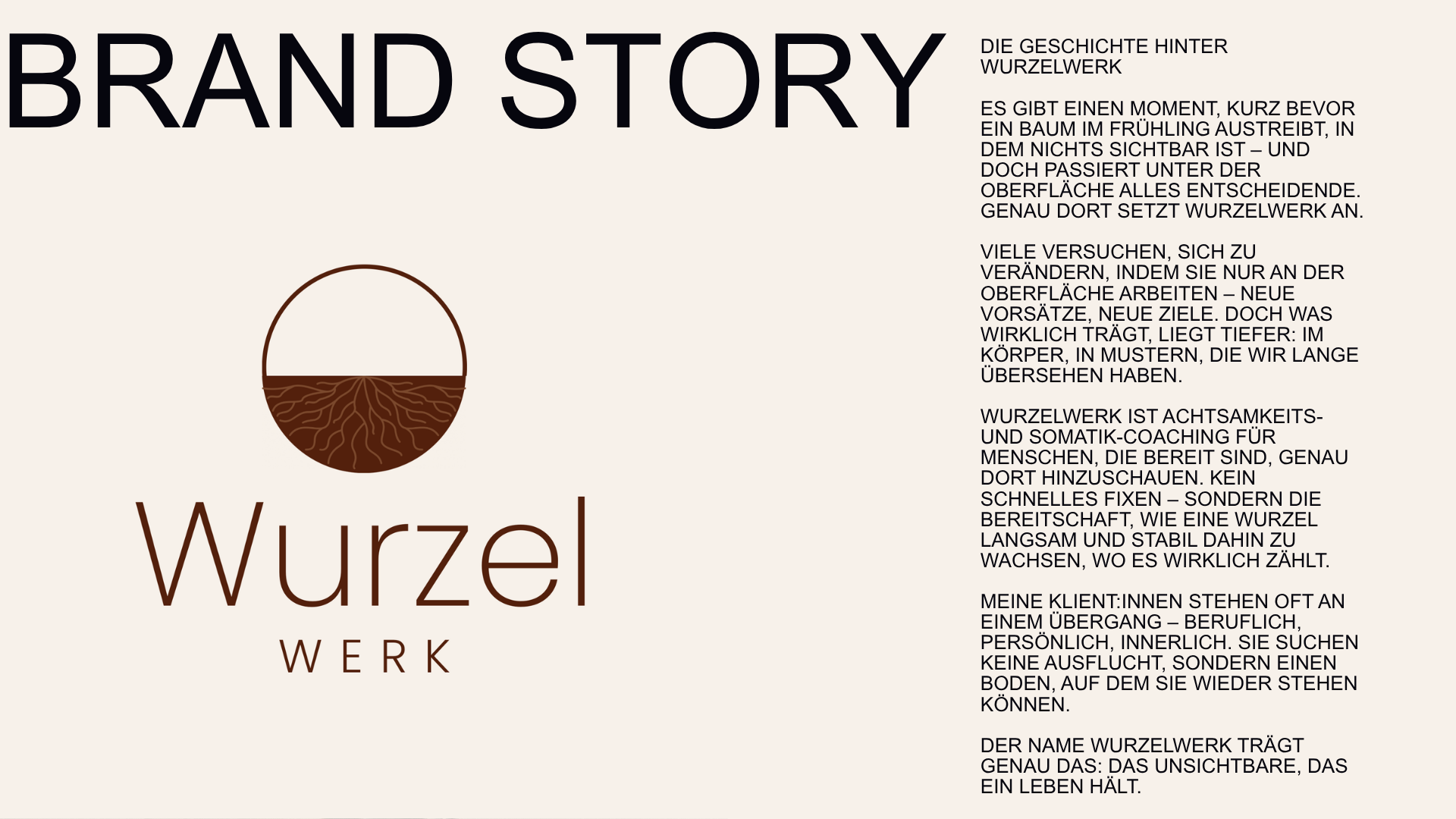
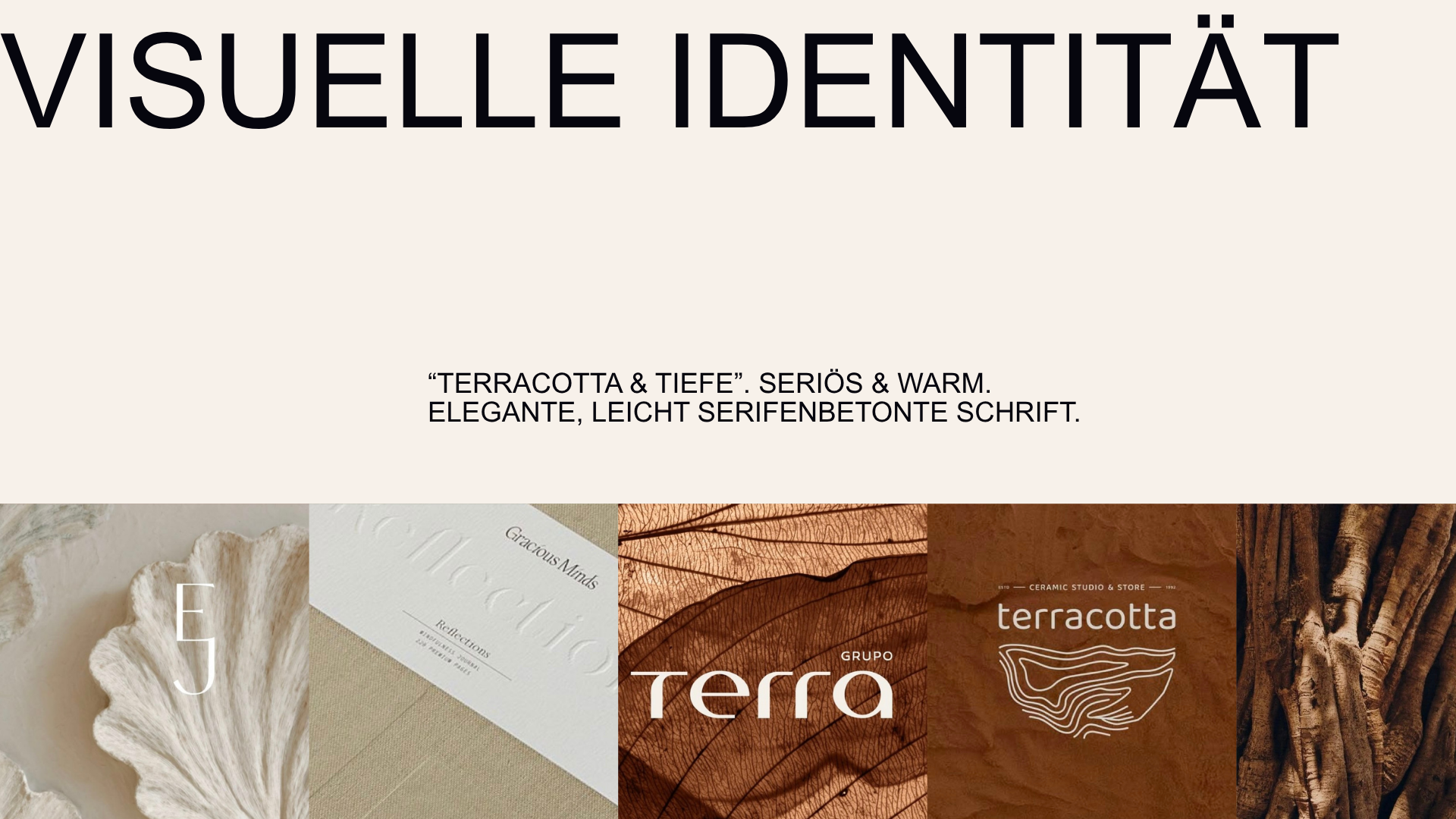
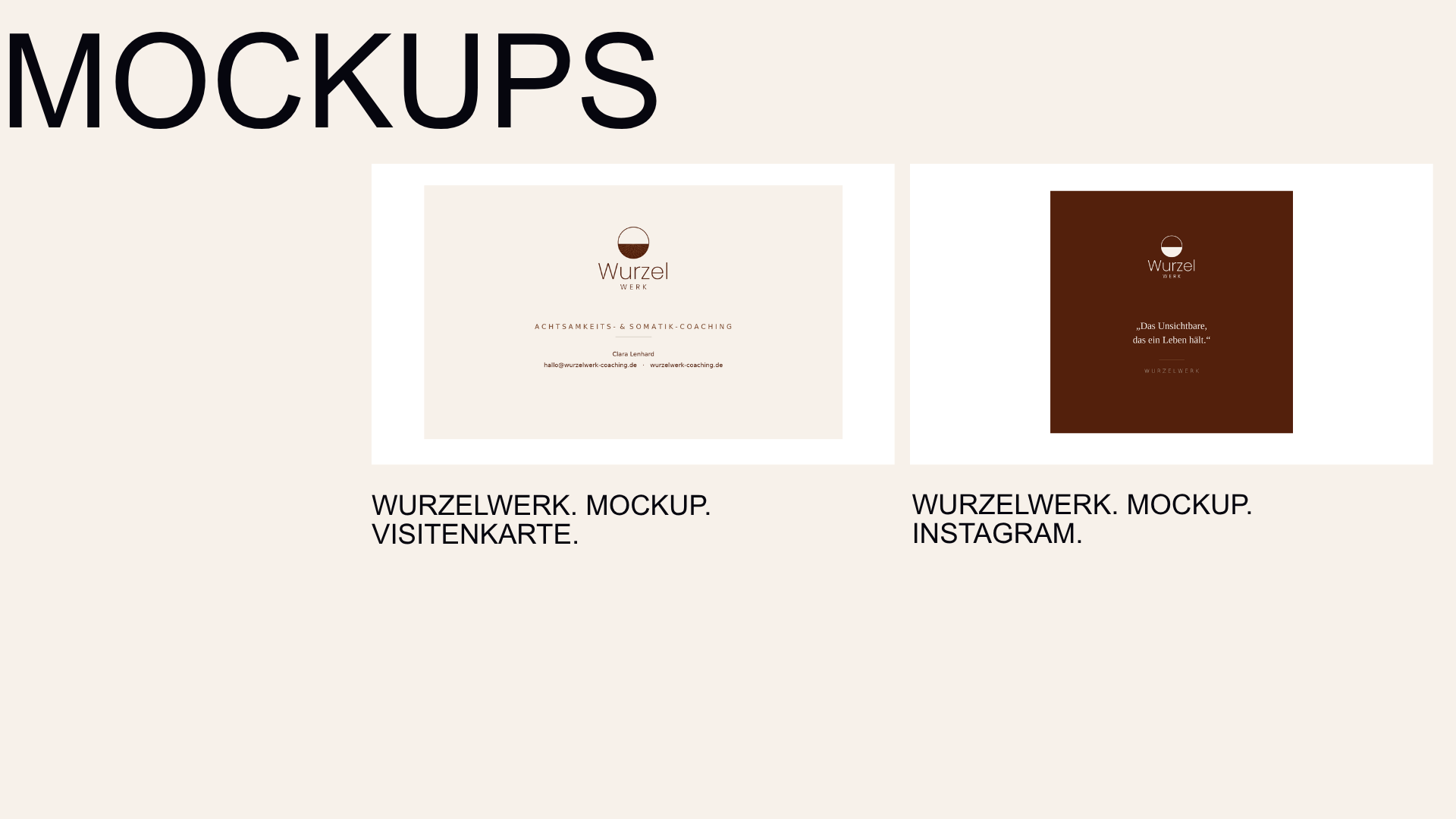
Wurzelwerk. Mindfulness and somatic coaching for coach Clara Lenhard
The coach supports women going through major life changes.
She wants her brand image to feel both professional and welcoming.
Created:
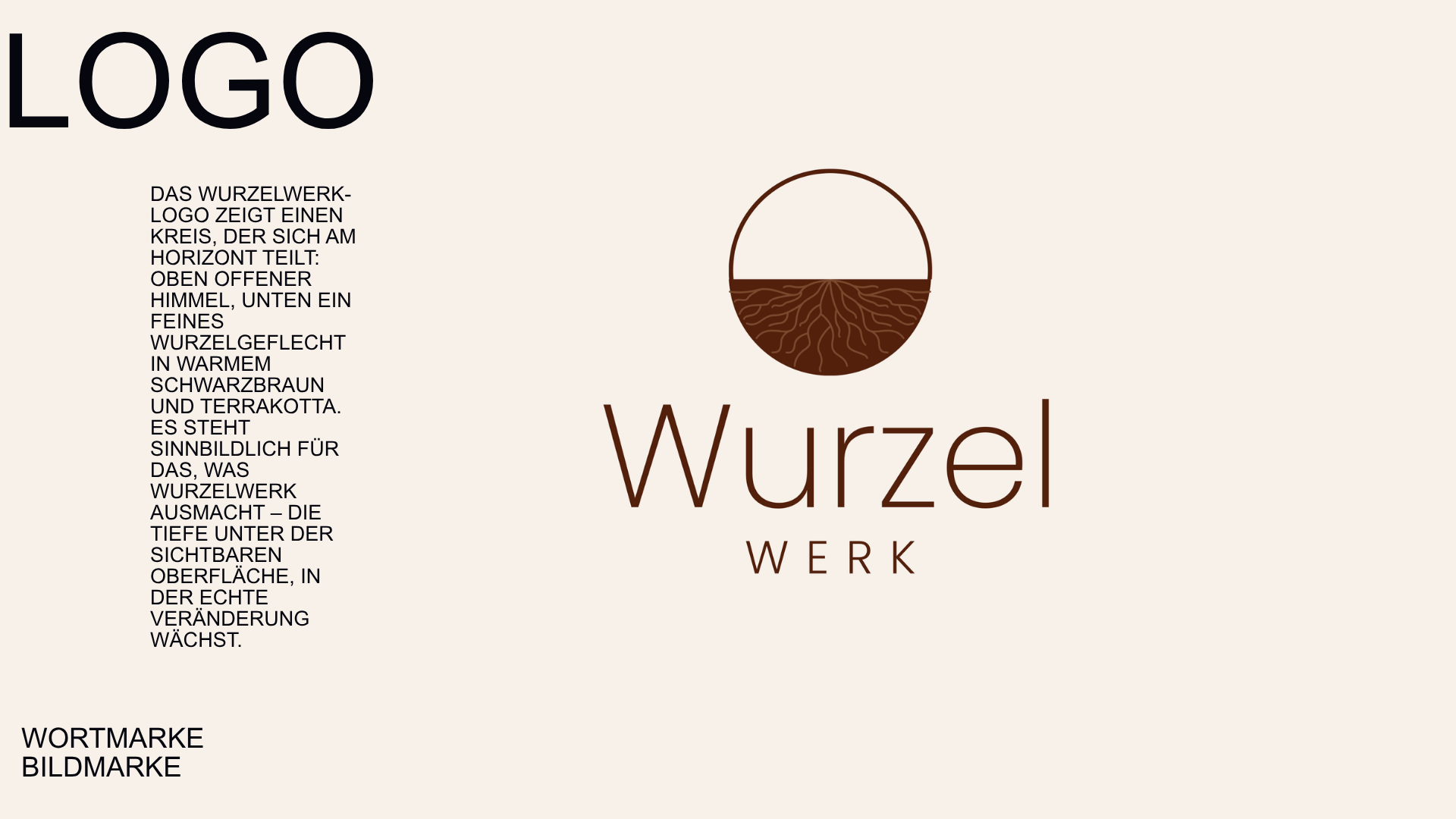
> Logo
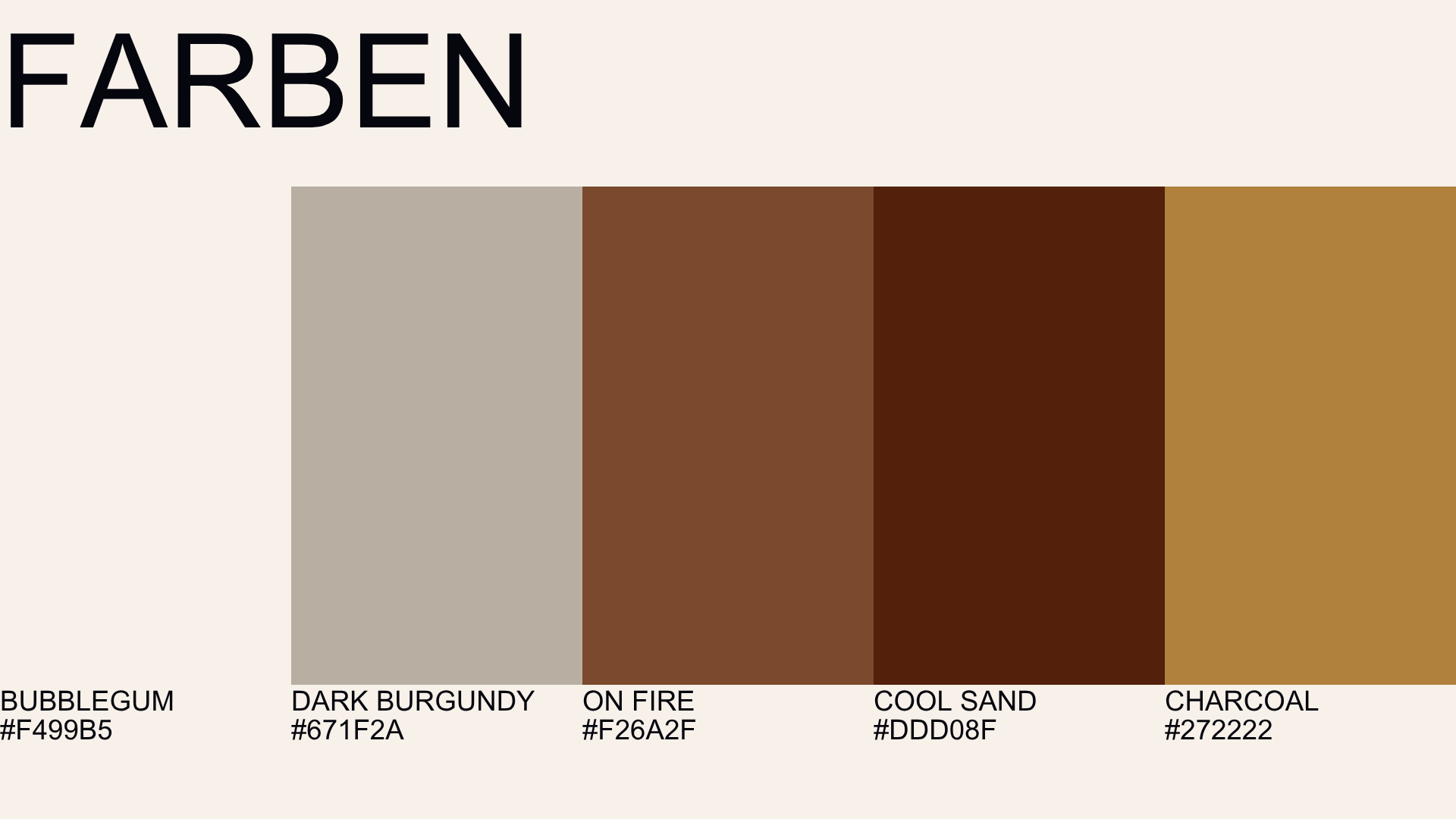
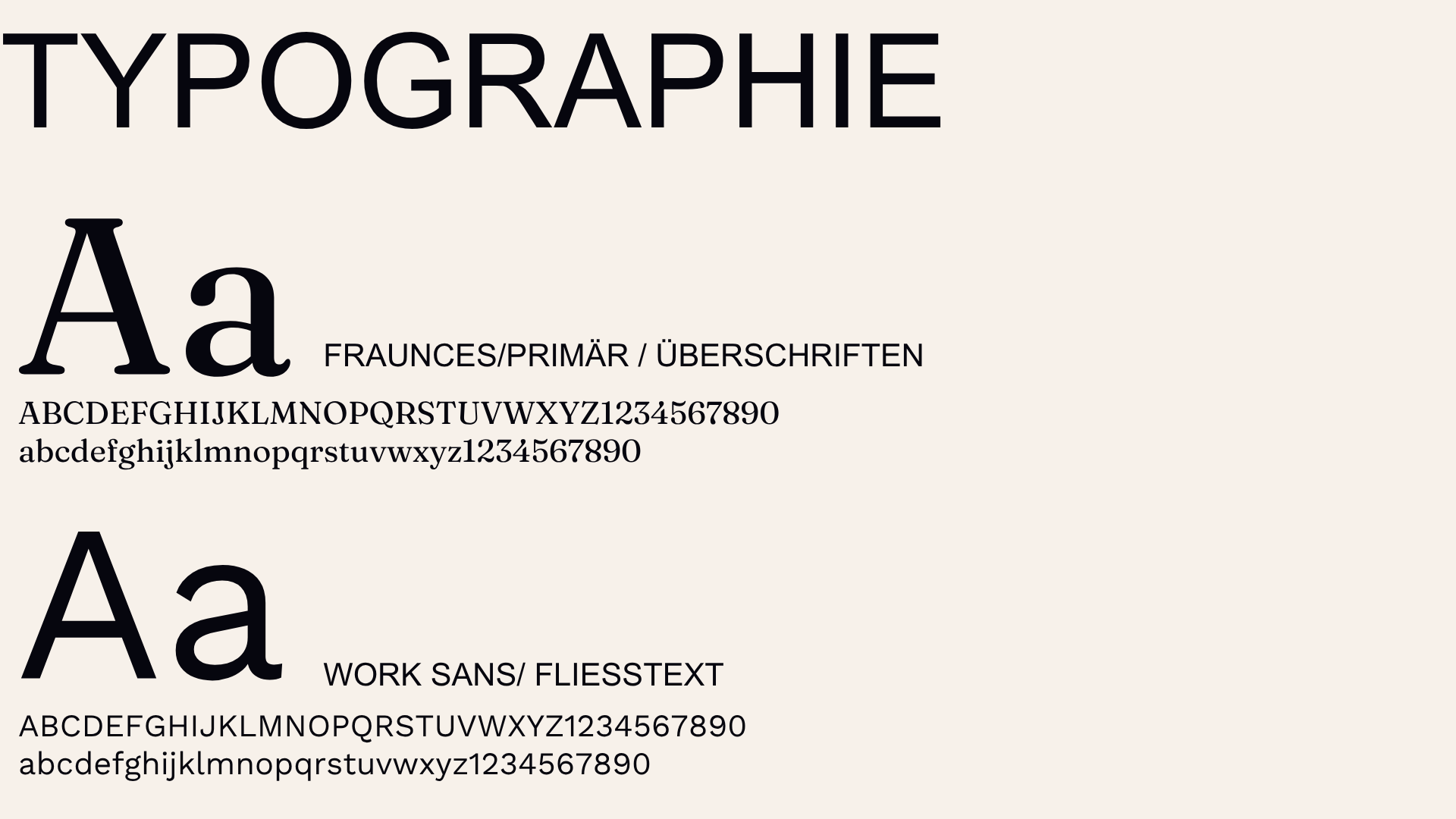
> Font pairing (headings / body text)
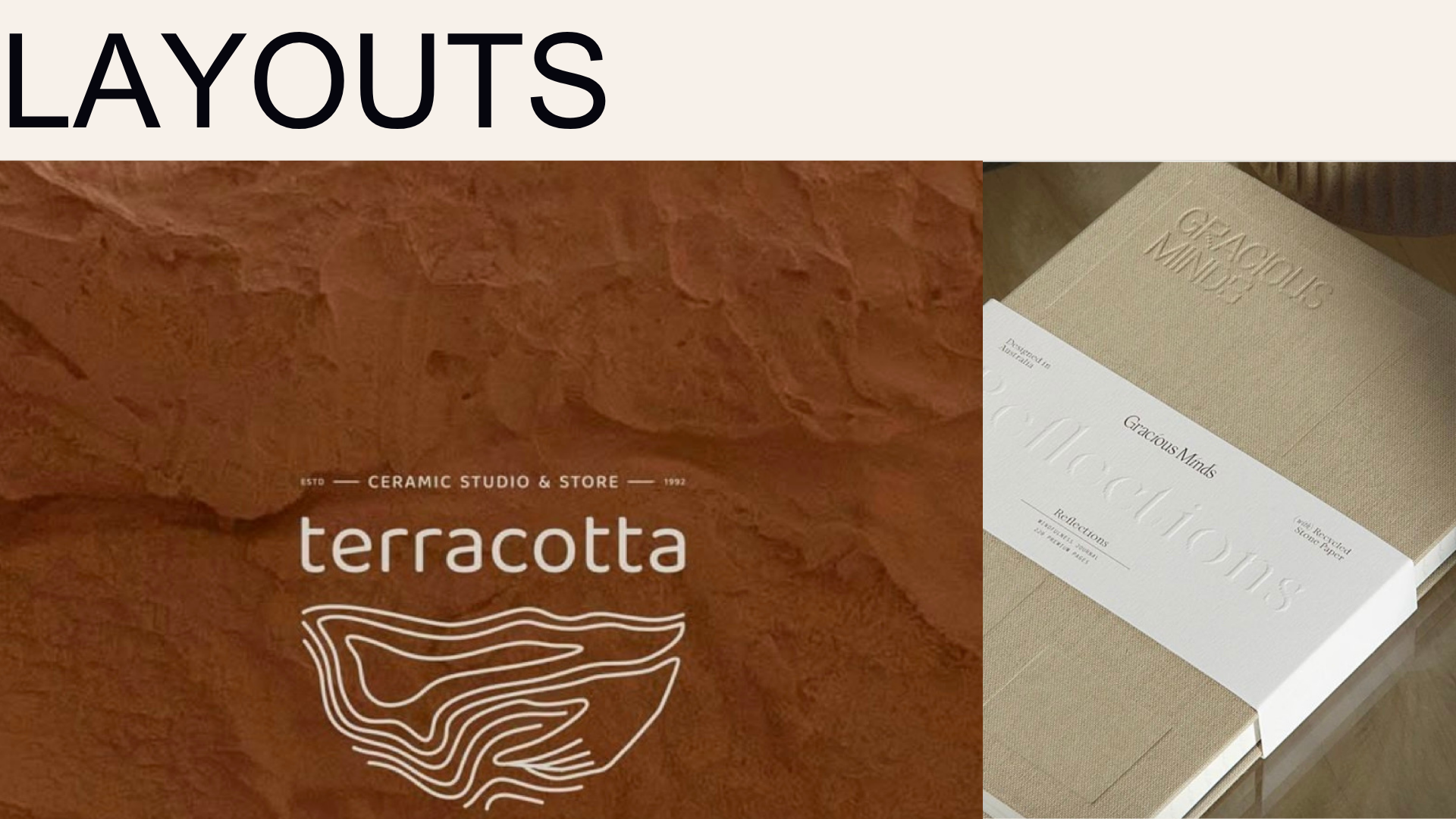
> Mood board
> Business card
> Instagram post template
> Signature etc.
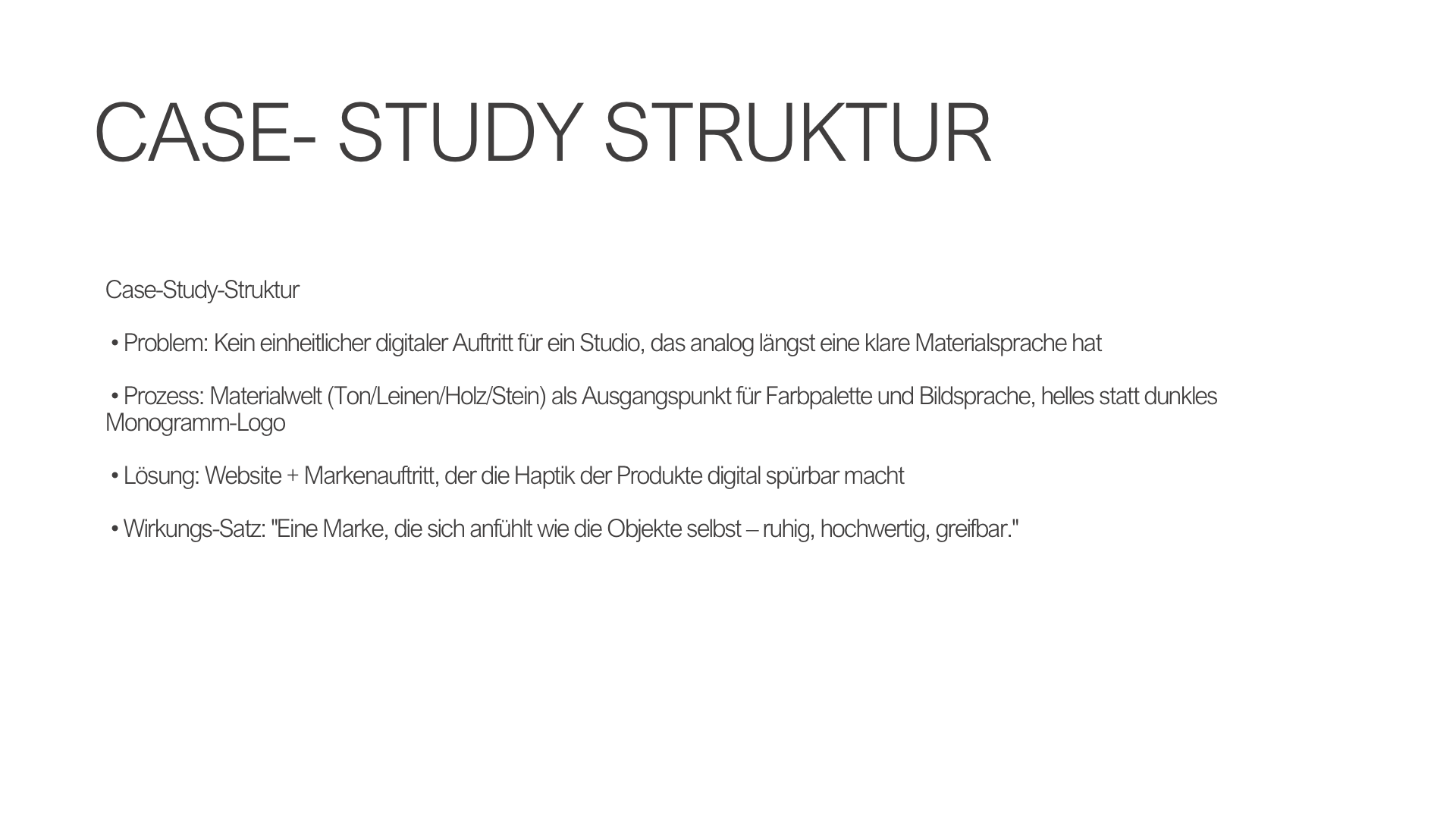
Case Study Structure:
> Problem: Lack of brand recognition
> Process: Target audience mindset, mood board
> Solution: One-sentence impact:
"A brand image that builds trust before a single word is spoken."
Story - Case > Wurzelwerk
Project: UX/UI Design
Klarmomentum. An app/platform for coaches to manage client progress and appointments.
Problem: Coaches waste time with confusing scheduling, and clients abandon the booking process because it is too complicated. The app solves this problem.
Why psychological design choices make sense here: For example > Limiting choices is proven to reduce decision anxiety.
Overall structure - Wireframe:
Booking app for coaches "Klarmomentum"
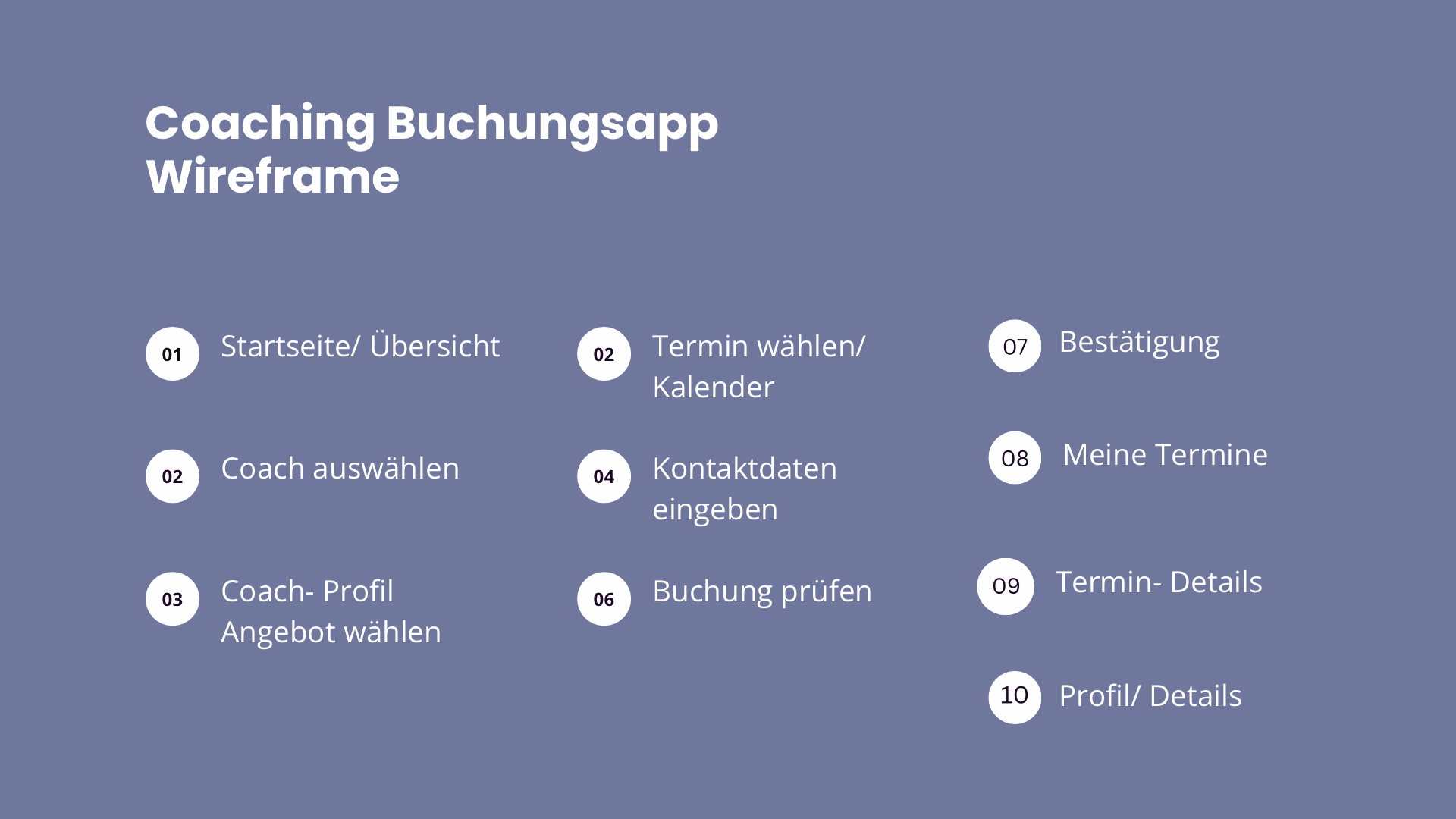
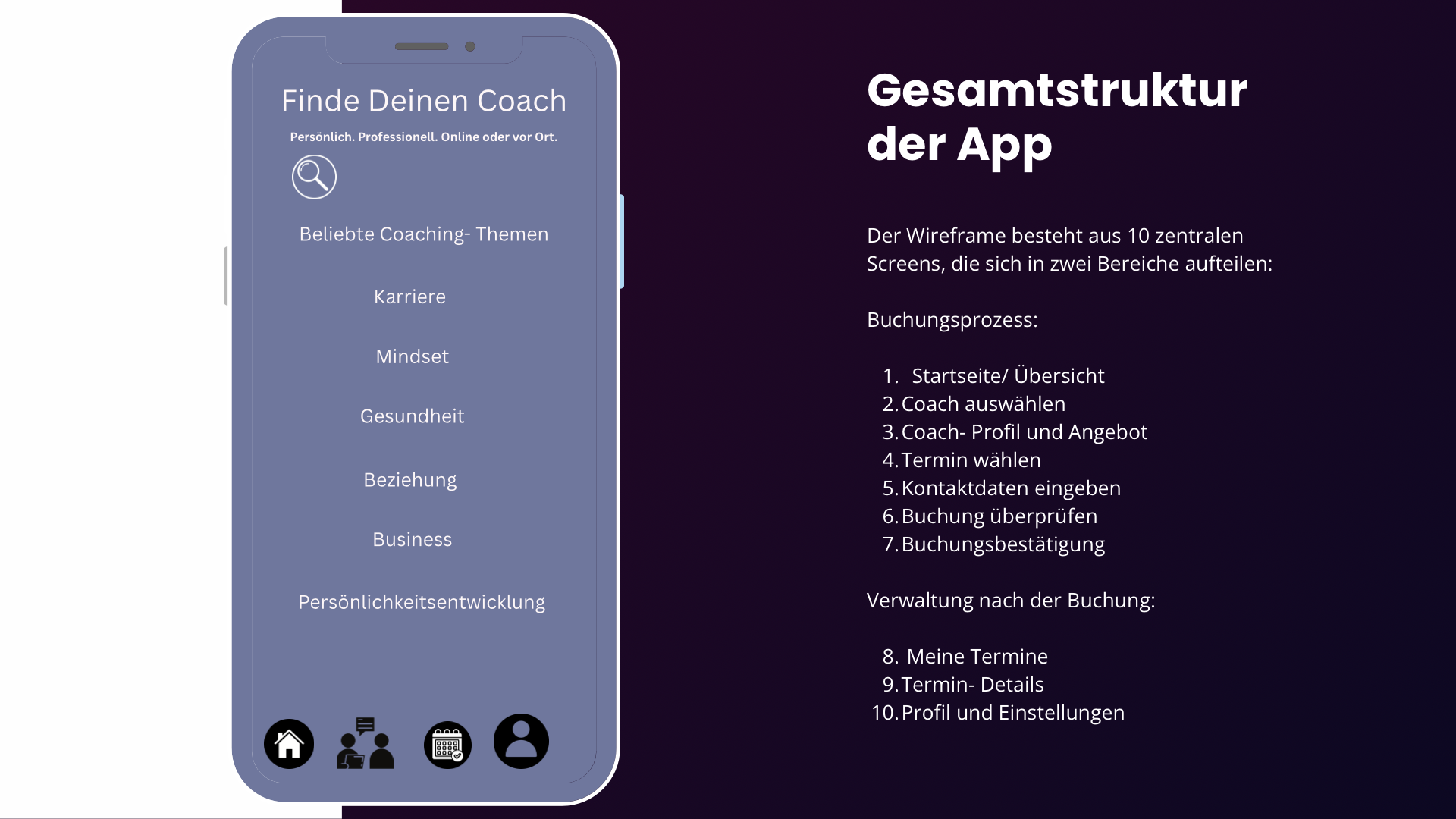
The wireframe consists of 10 main screens divided into two areas:
Screen 1
Home/Overview
+Goal:
The homepage should immediately show users what they can do with the app: find the right coach and book an appointment.
+Layout:
At the top: "Find your coach."
Below that, a short explanatory text
For example:
Personal. Professional. Online or in person.
+Search bar:
A prominent search bar makes it easy to look for:
Coach names
Coaching topics
Keywords
Areas of expertise
Example:
"Search by topic, coach, or keyword..."
+Popular coaching topics:
+Below that, you will see topic tags:
Career
Mindset
Health
Relationships
Business
Personal growth
This is especially helpful for visitors who do not have a specific coach in mind yet.
+Our coaches:
Below that is a list of popular coaches.
+Each entry includes:
Profile picture
Name
Specialty
Rating
Number of reviews
Arrow to view full details
Example:
Sarah Müller, Life & Business Coach * 4.9 (124)
Main goal:
Visitors should see two clear options right on the homepage:
“I know what I'm looking for” > Search
or:
“I want to find the right coach” > Coach list
Booking process
Homepage / Overview
Select a coach
Coach profile & offers
Choose a time slot
Enter contact details
Review booking
Booking confirmation
+ Managing bookings afterwards:
My appointments
Appointment details
Profile & settings
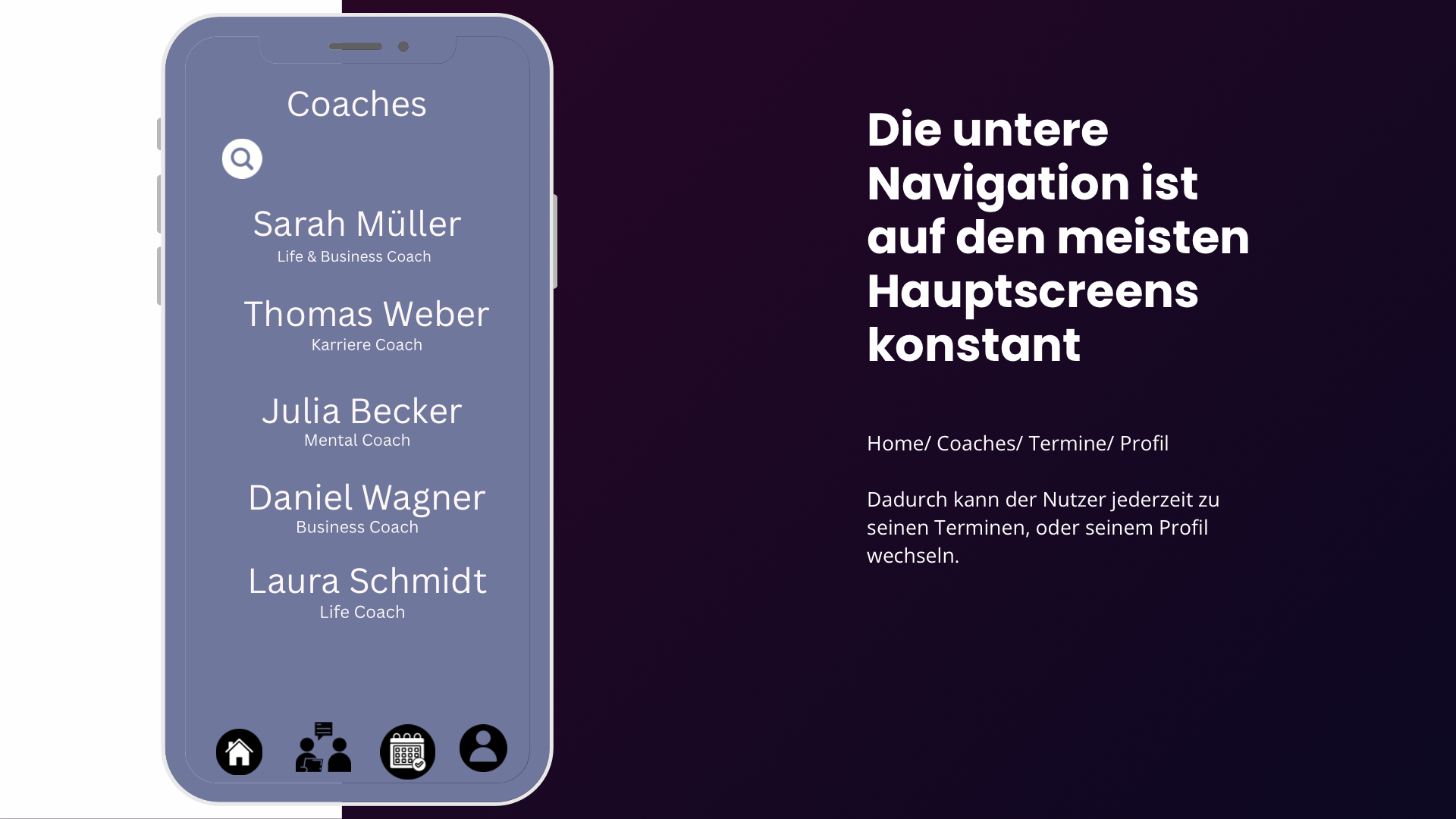
+ The bottom menu stays the same on most main screens.
Home / Coaches / Appointments / Profile
This lets users check their appointments or profile at any time.
Screen 2
Choose a coach
+Goal:
Here, clients can compare different coaches.
+At the top is a search bar:
“Search for a coach...”
Below it is a scrollable list.
+Coach card:
Each card includes:
Profile picture, Sarah Müller, Life & Business Coach, *4.9 (124)
There is an arrow on the right
Tapping it takes the user to the respective coach's profile.
+Possible future filters:
Topic
Price
Language
Online / in-person
Availability
Rating
Duration
Gender
Experience
+For example, a button could be labeled:
“Filter and sort”
Main goal:
The customer should not only choose a coach, but also quickly see:
Who is the right fit?
How good are the ratings?
Does the topic match?
Screen 3
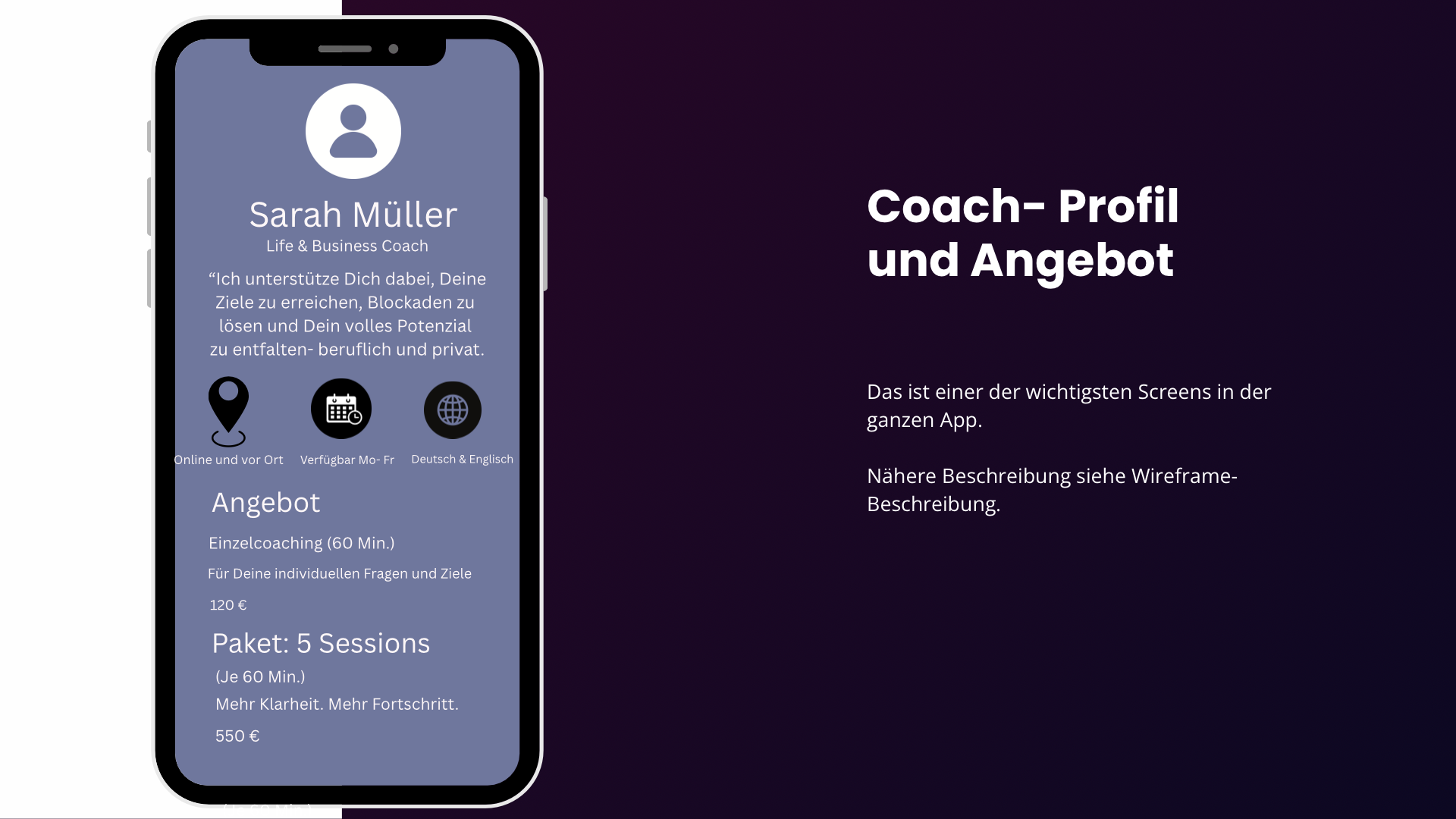
Coach profile & offers
This is one of the most important screens in the entire app.
Header area
Top:
Profile picture
Name
Profession / Specialization
Rating
Example:
Sarah Müller, Life & Business Coach, * 4.9 (124)
+Description:
Below this, the coach briefly introduces themselves.
"I help you achieve your goals, overcome mental blocks, and unlock your full potential—both professionally and personally."
+More information:
+Icons can highlight important features:
Online & in-person
Available Monday to Friday
German and English
+Services:
The client will then see the bookable services.
For example:
+One-on-one coaching - 60 mins.
For individual questions and goals
- 120 euros
+Package:
5 sessions
Multiple coaching sessions for lasting progress
- 550 euros
Each offer is structured as its own card.
+Primary CTA
At the bottom:
"Select appointment"
+This starts the actual booking process.
Screen 4
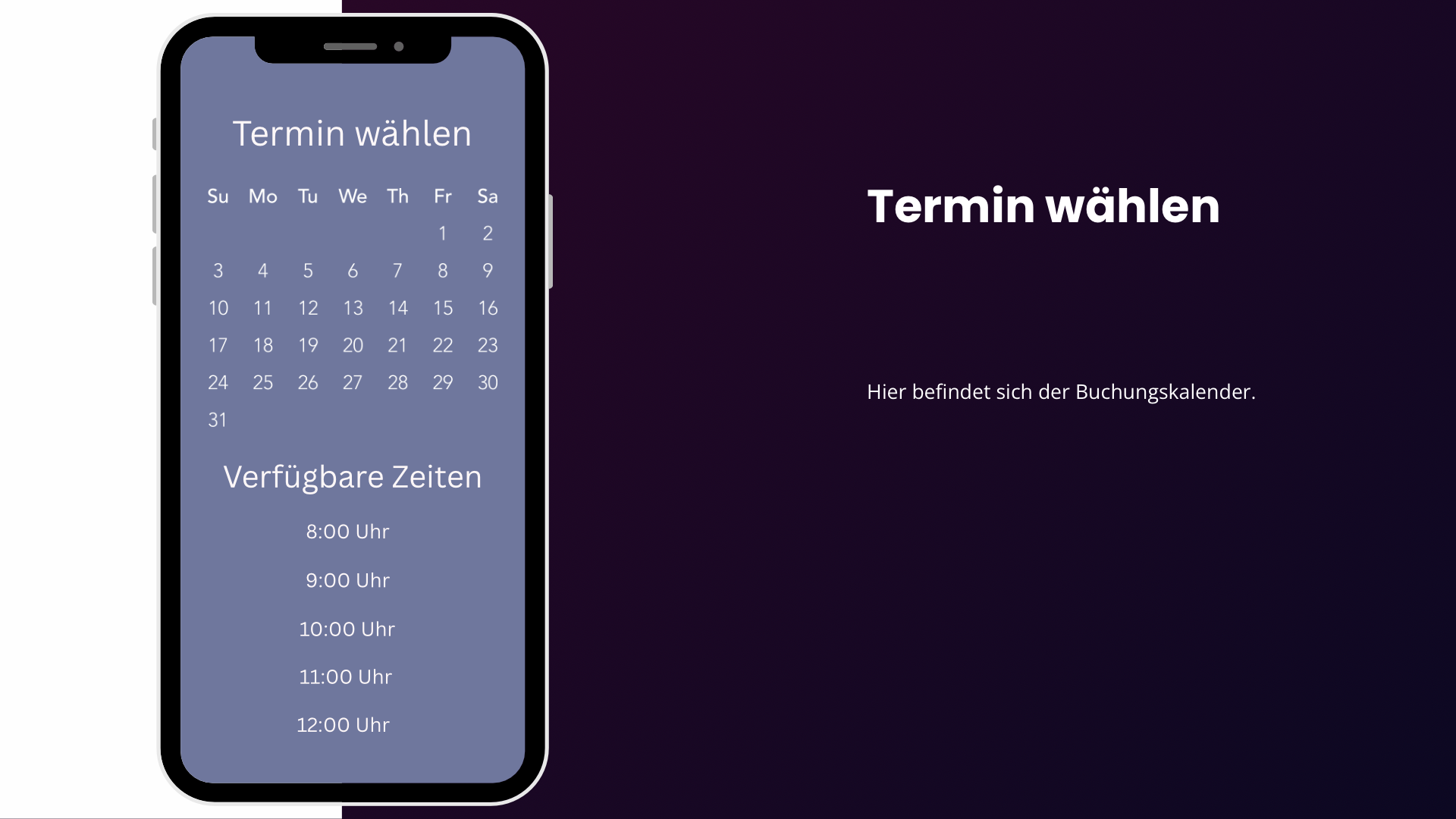
Choose a time slot
+This is where the calendar is located.
Month navigation
Top:
< April 2026 >
+Below that is a standard calendar:
Mon, Tue, Wed...
Available days are highlighted.
The user first selects a day.
Available times
After selecting the day, the following appears:
Available times - April 16, 2026
For example:
08:00 AM
09:30 AM
11:00 AM...
The times are shown as large buttons.
Why this matters:
Customers shouldn't have to pick a time only to find out later that the coach is busy.
That is why availability is pulled directly from the coach's calendar.
CTA
"Next"
The selected appointment is then saved.
Screen 5
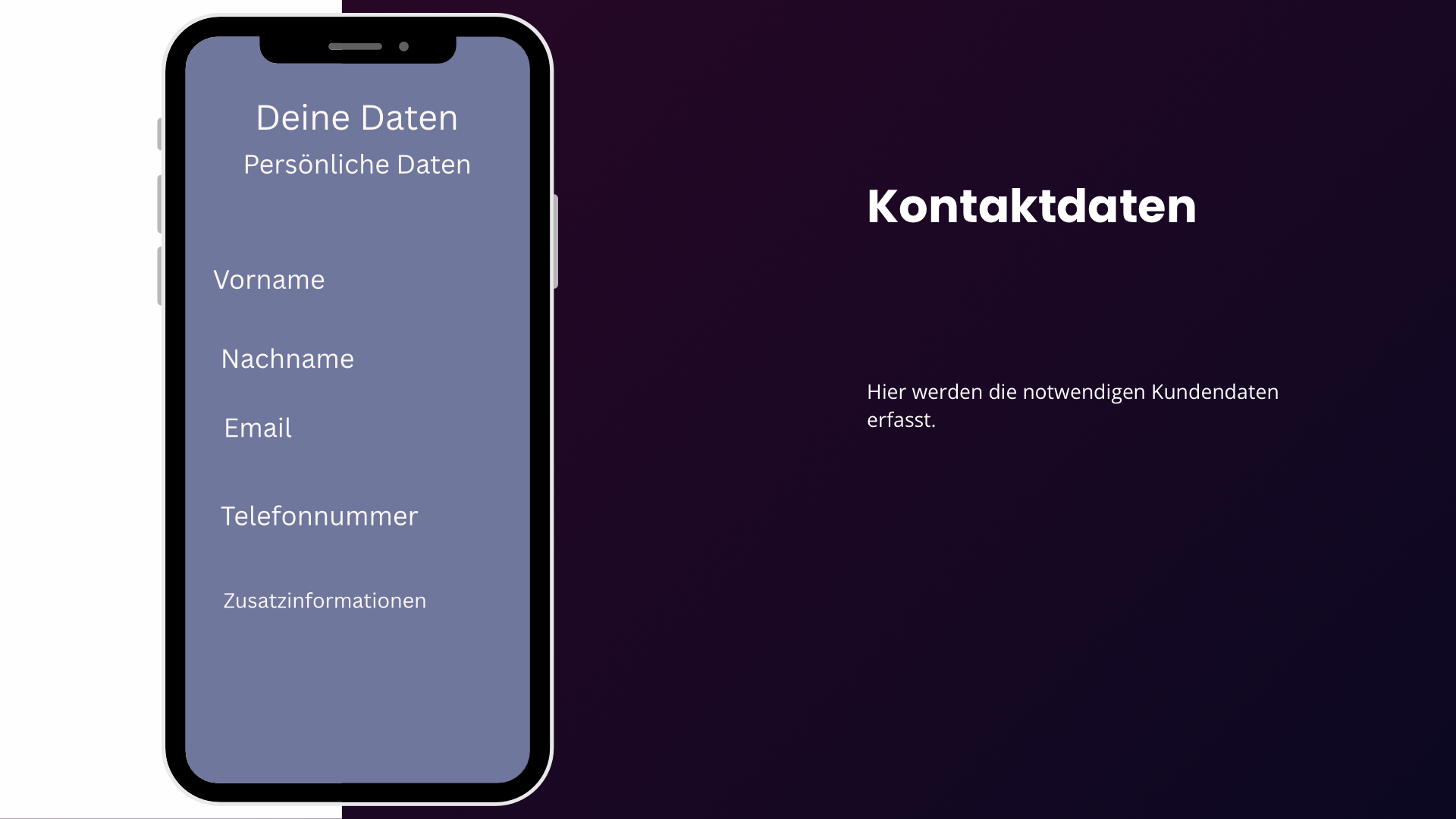
Contact details
+This is where the required customer information is collected.
Personal details:
First name
Last name
Email
Phone number
Optional message field
CTA
"Next"
Screen 6
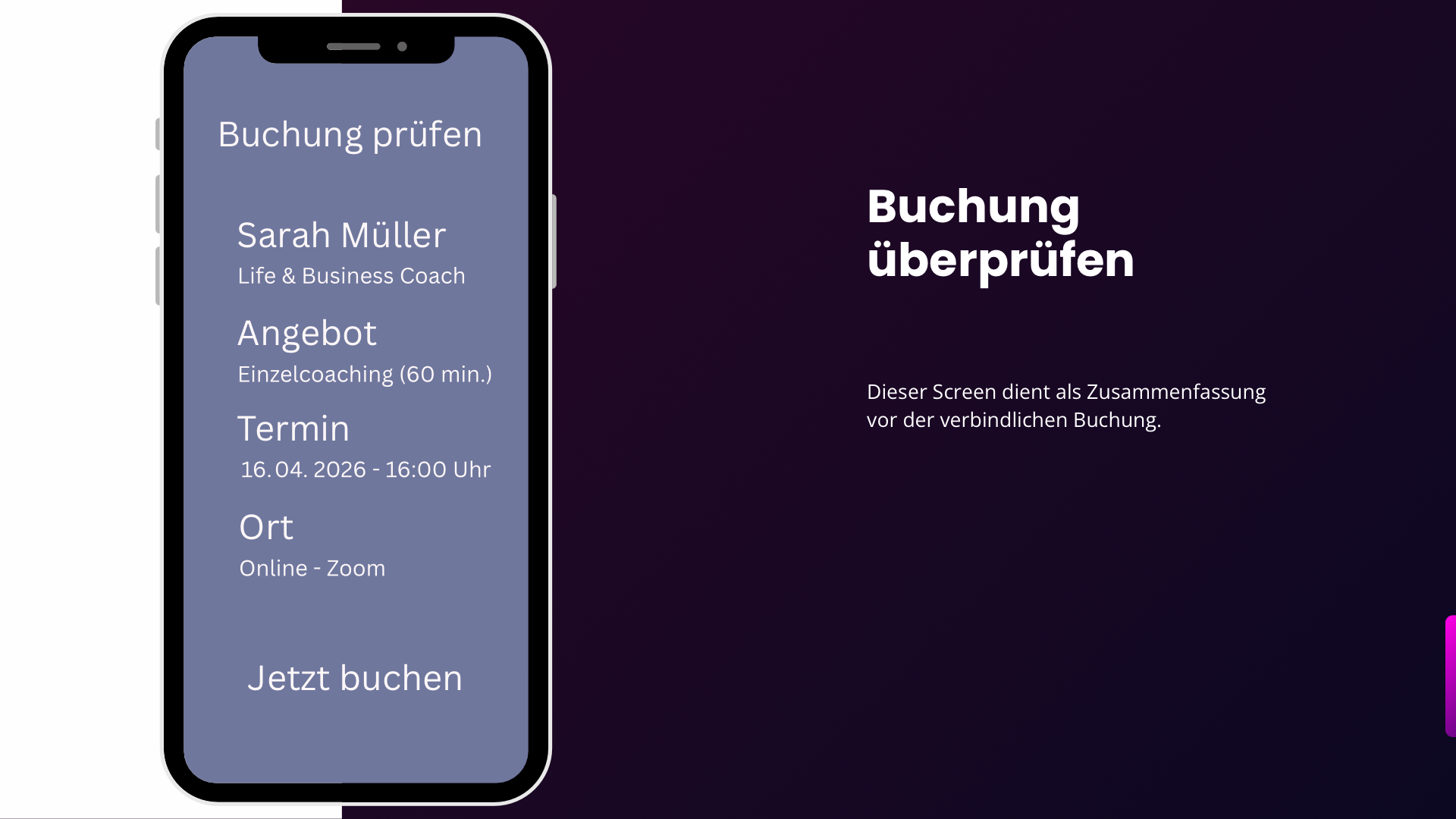
Review booking
+This screen serves as a summary before final booking.
This is an important step because it gives users a chance to double-check that everything is correct.
Coach:
Sarah Müller, Life & Business Coach, * 4.9 (124)
Service:
One-on-one coaching (60 min.)
Date & Time:
Wednesday, April 16, 2026, 2:30 PM - 3:30 PM
Location:
Online via Zoom
Customer details
Next to each piece of information, there is an option to make changes.
Primary call to action
“Book now and pay”
Depending on your business model, you can also display the price here:
Total: 120 euros
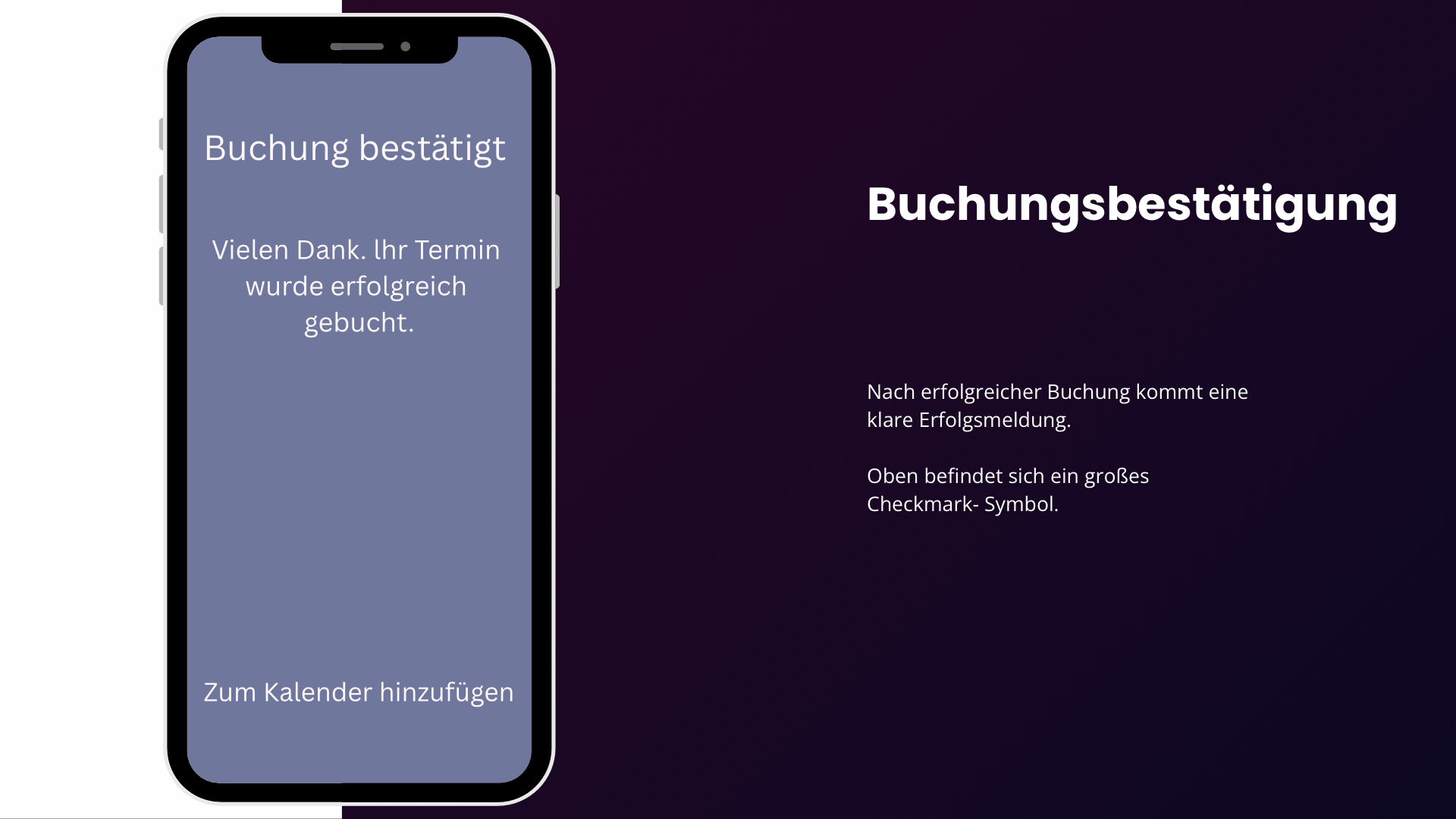
Screen 7
Booking confirmation
Once booked successfully, a clear confirmation message appears.
At the top is a large checkmark icon.
Main message:
"Your booking is confirmed."
Below that, for example:
Thank you very much.
Date
Location
Next important step:
A button:
"Add to calendar"
Later on, the app could support things like:
Google Calendar
Apple Calendar
Outlook Calendar
Additionally:
"Back to home page"
Screen 8
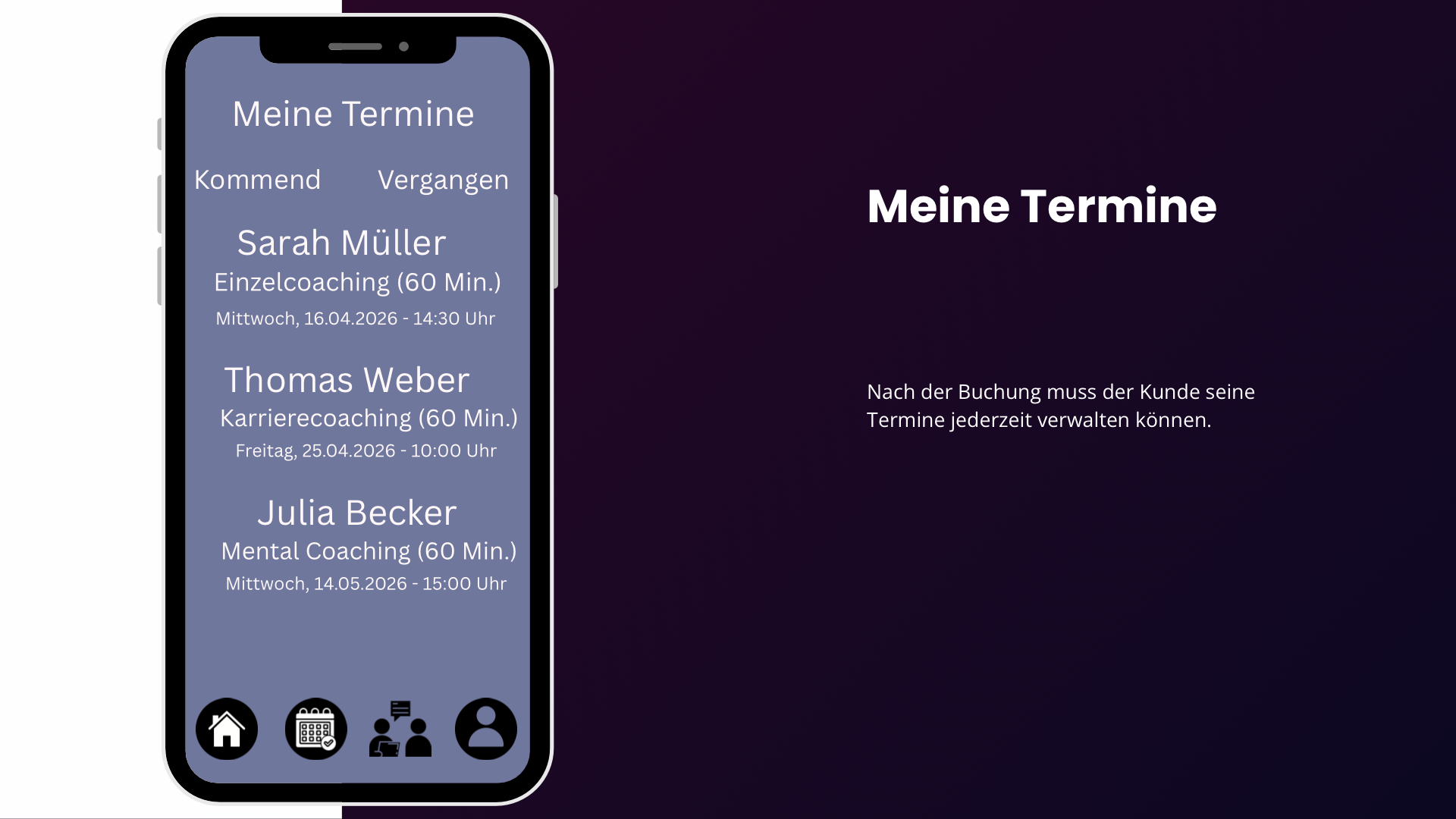
My appointments
After booking, customers need to be able to manage their appointments at any time.
At the top are two tabs:
Upcoming / Past
Upcoming appointments...
Clicking here takes you to the respective appointment details.
Important:
Status information should also be available here later:
Confirmed
Pending
Cancelled
Completed
Rescheduled
Screen 9
Appointment Details
Here, the customer can see all the information about a specific appointment.
Coach
Date
Location
Ideally, there should be a large button here:
"Join Zoom"
This button should stand out prominently shortly before the appointment.
Preparation:
The coach can leave notes below this
Other features:
For example:
View notes
and:
Cancel appointment / Reschedule appointment
Screen 10
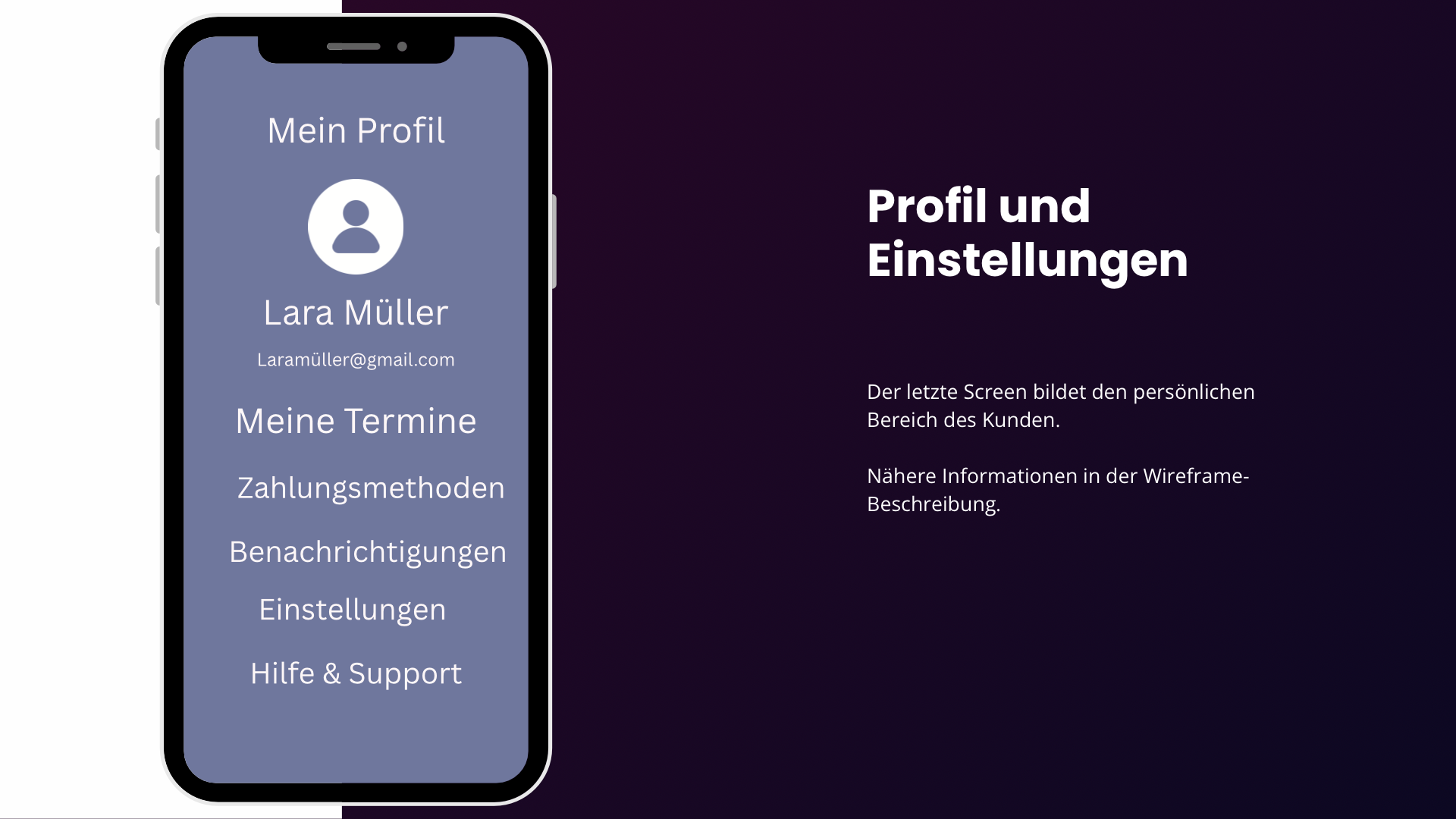
Profile & settings
The final screen shows the customer's personal area.
Top:
Customer name and email
Followed by the main settings
My Appointments:
> Overview of all bookings
Payment methods:
> Credit card, PayPal, etc.
Notifications:
> Email / Push / Reminders
Settings:
> Language, Privacy, etc.
Help and Support:
> FAQ and Contact
The ideal user flow -
The app's most important flow
is very easy to present
Key features for the final app:
The wireframe intentionally focuses on the core process first. For an initial version, I would prioritize the following features:
For customers:
Coach search
Filters
Coach profiles
Offers / Services
Live availability
Booking appointments
Online / In-person appointments
Payment
Calendar integration
Booking confirmation
Reminders
Reschedule appointment
Cancel appointment
Booking history
Reviews
For coaches:
The app also needs a coach dashboard, which is not shown in the current wireframe.
There, the coach should be able to, for example:
manage their calendar
set availability
create services
set prices
manage bookings
manage clients
add Zoom/Google Meet links
configure automated settings
view revenue
edit their profile
Good UX (User Experience) and good UI (User Interface) ensure that an app or website is easy and quick to use."
Project: Brand & Digital Experience
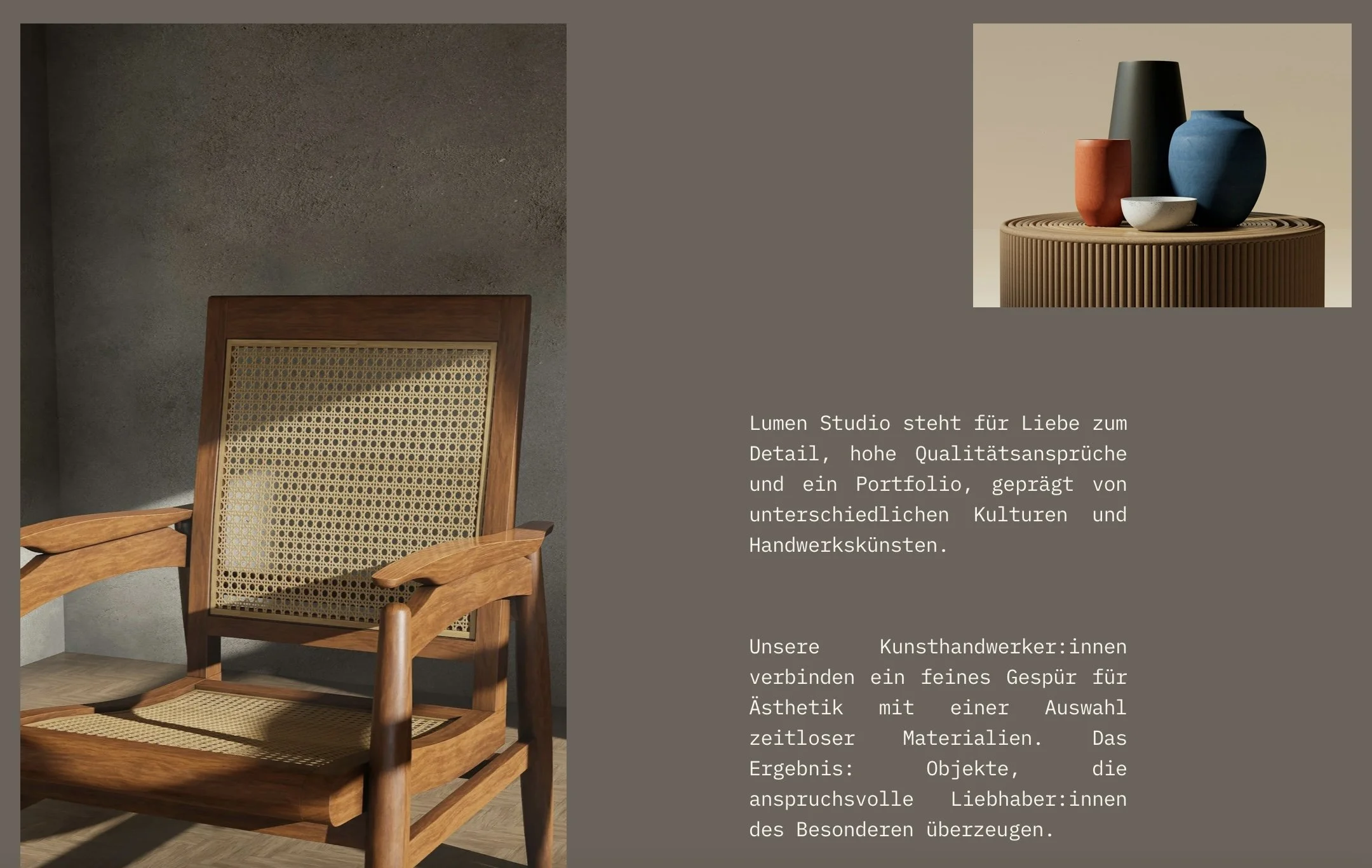
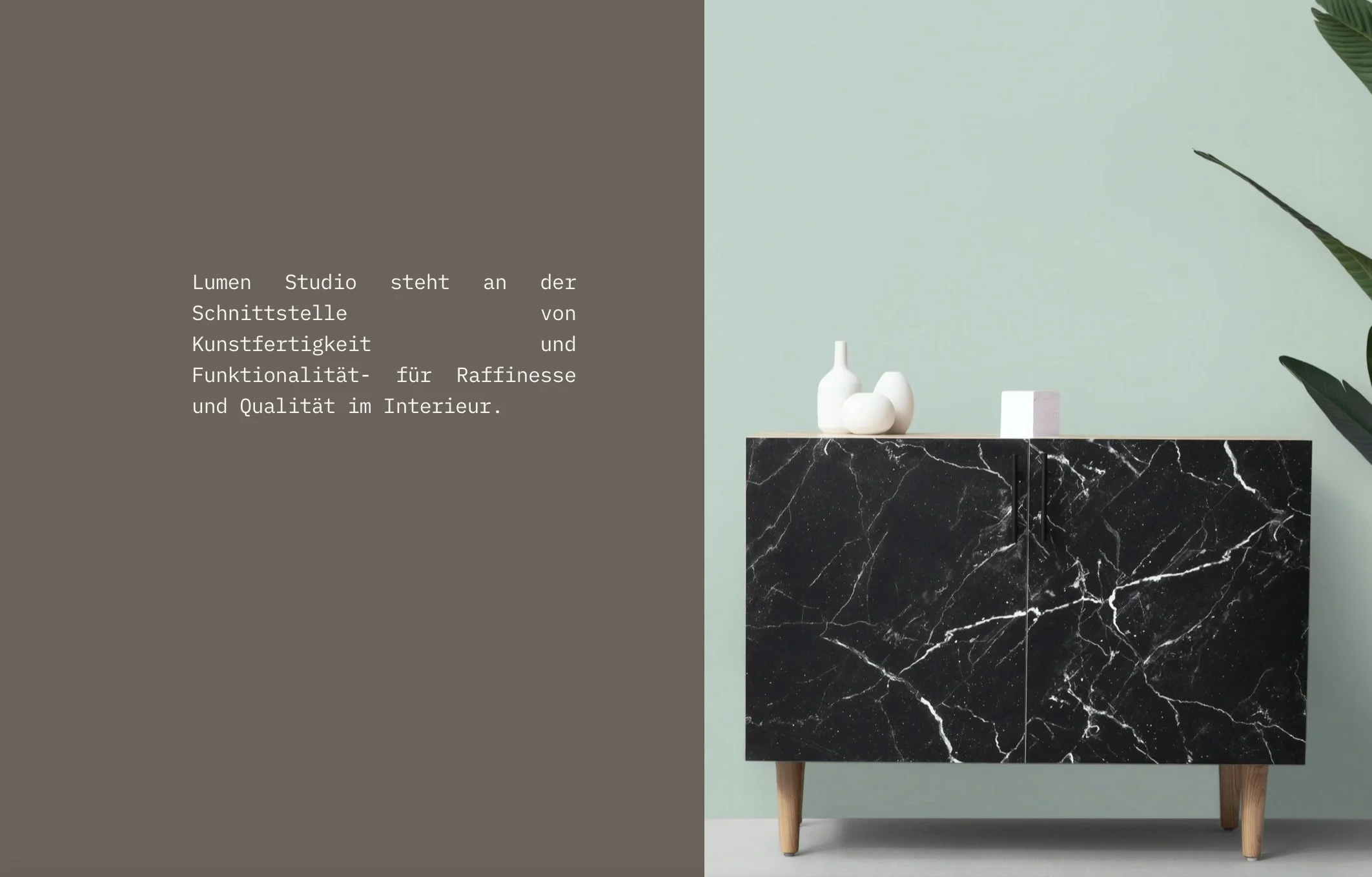
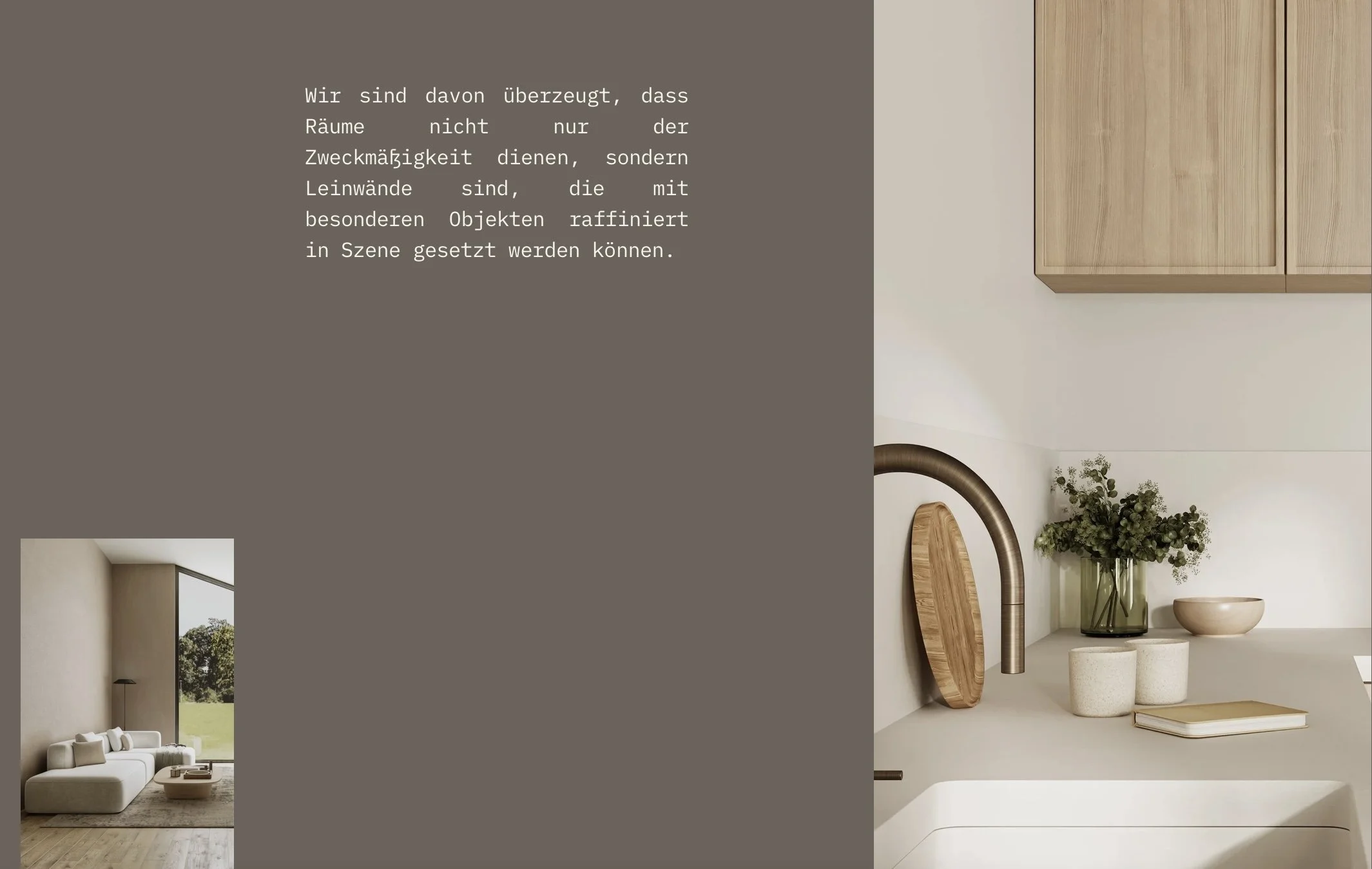
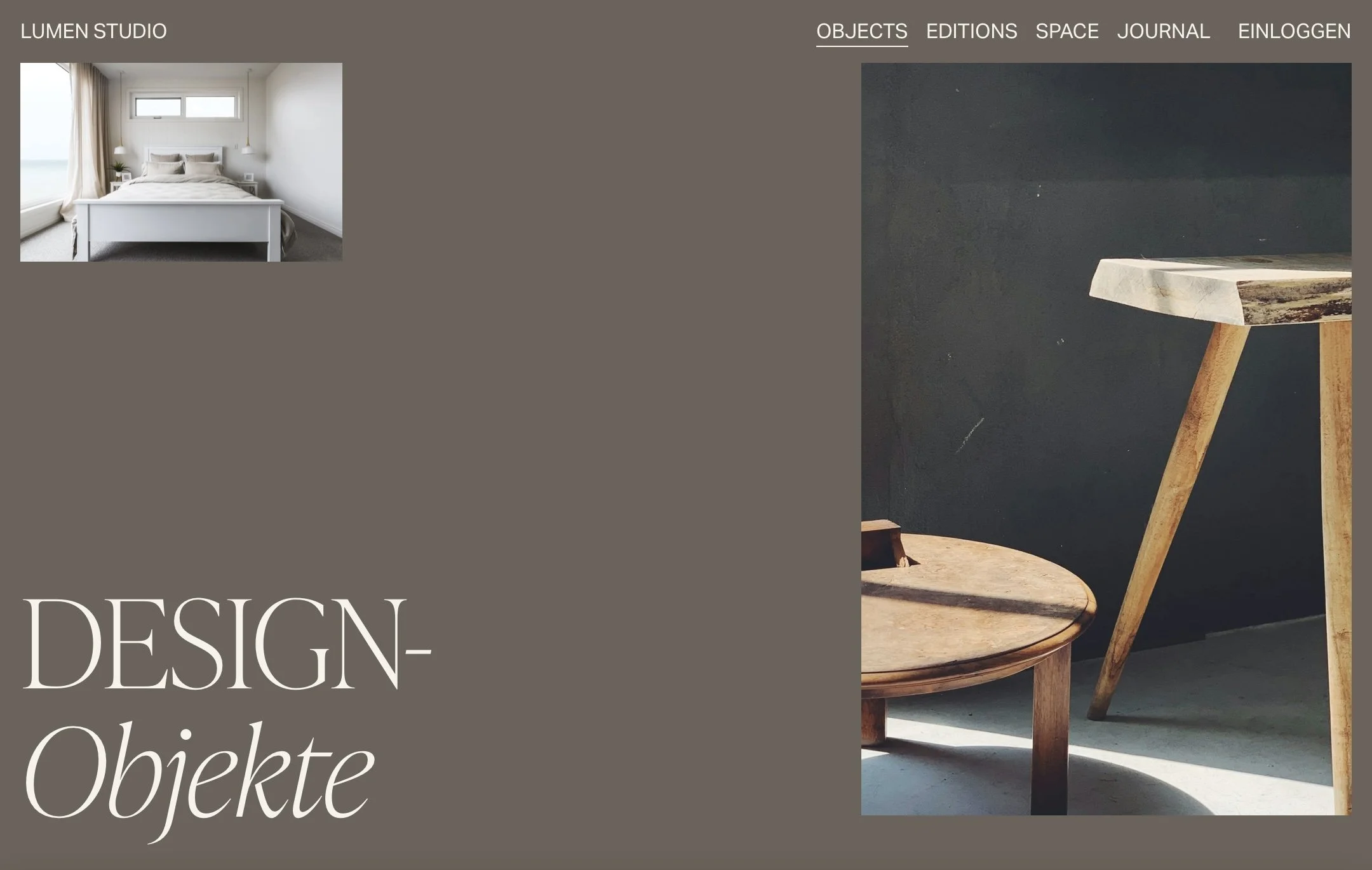
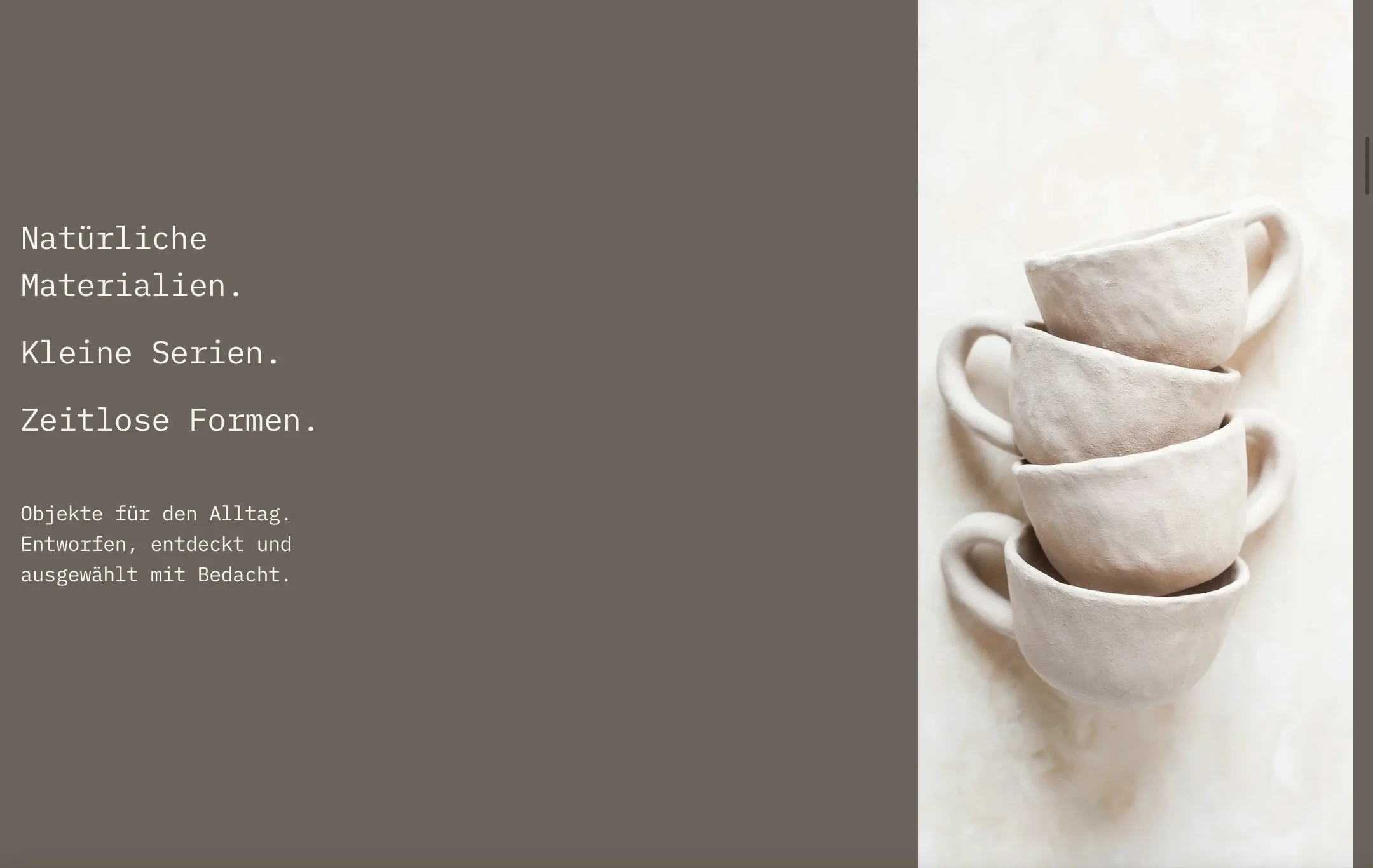
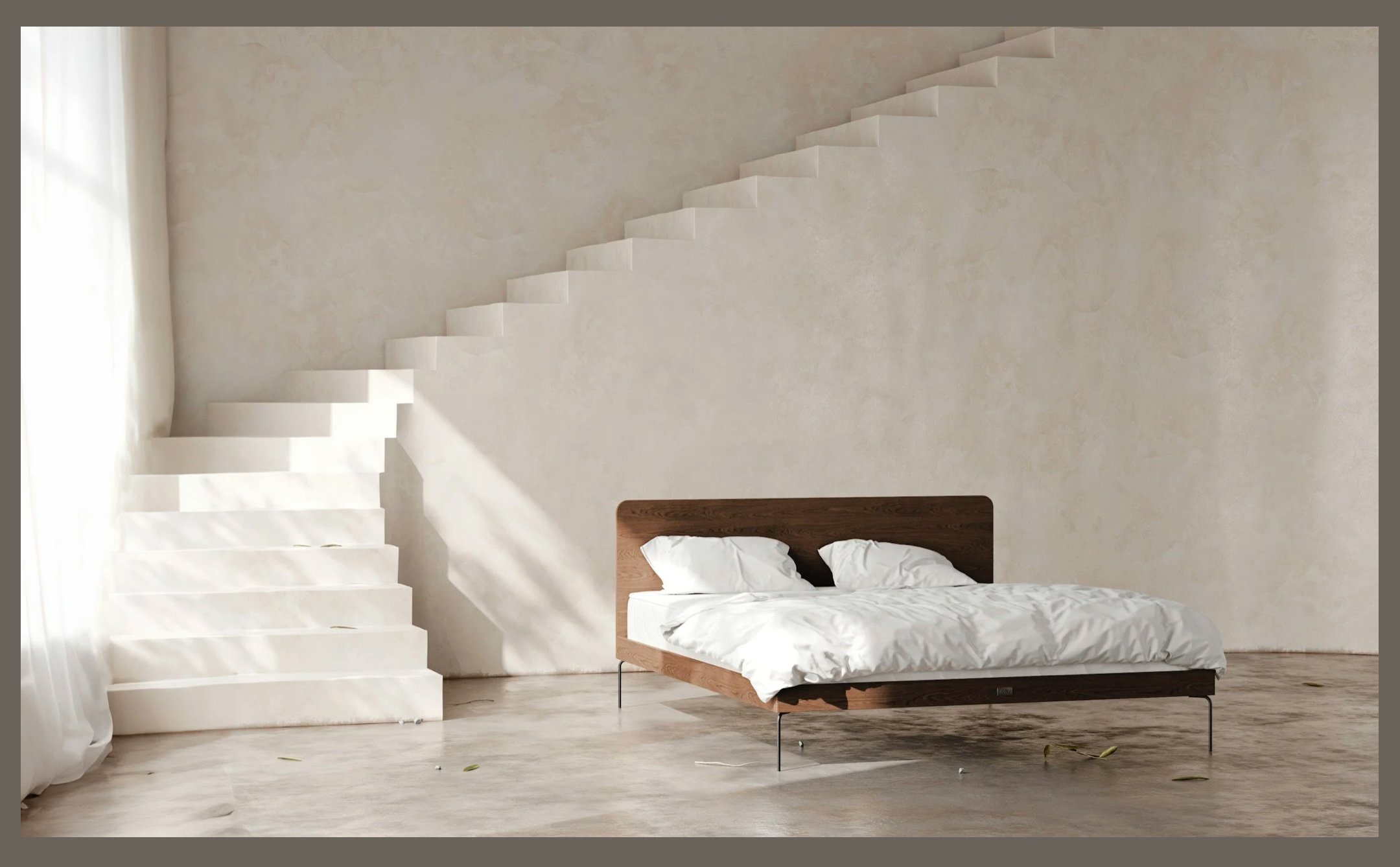
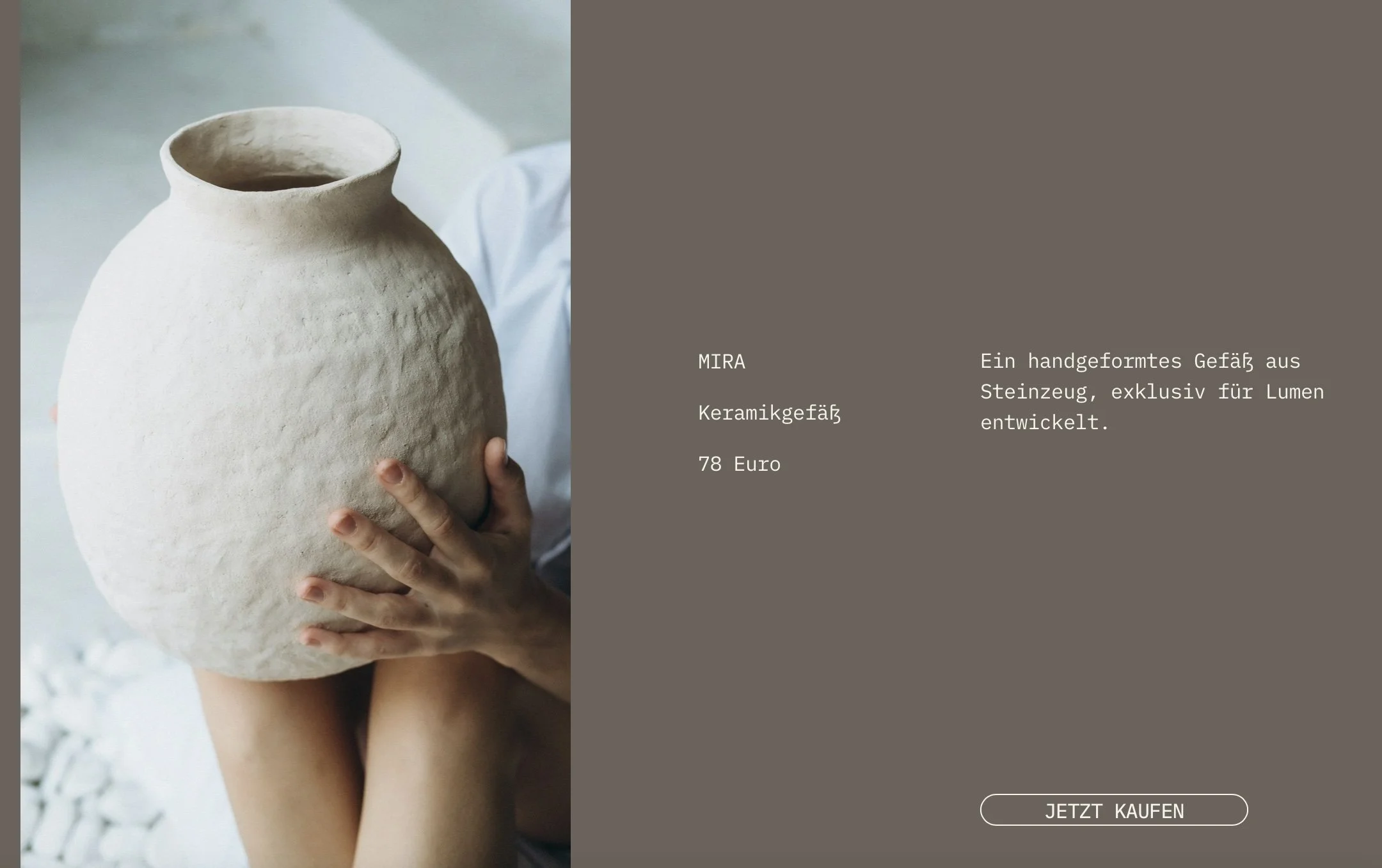
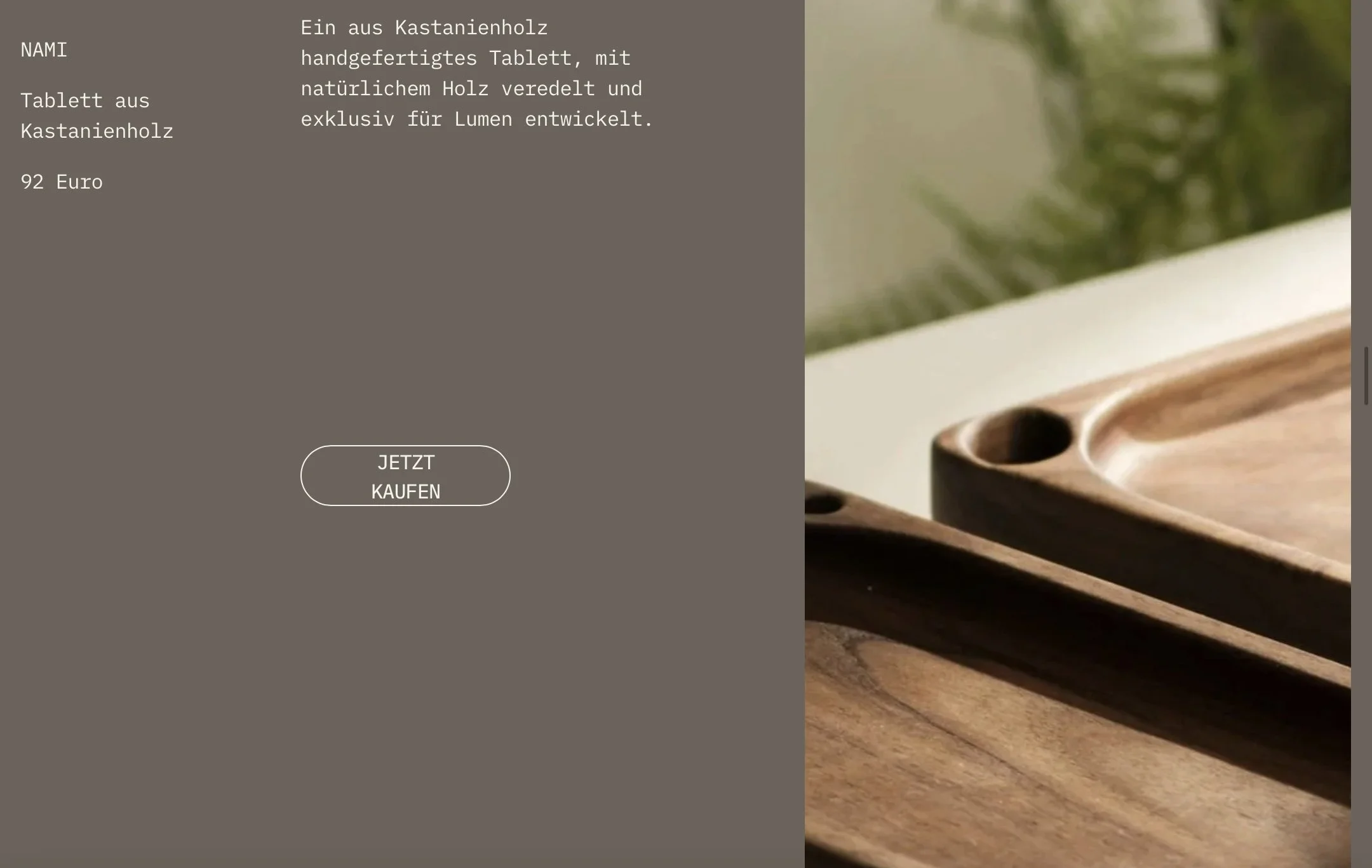
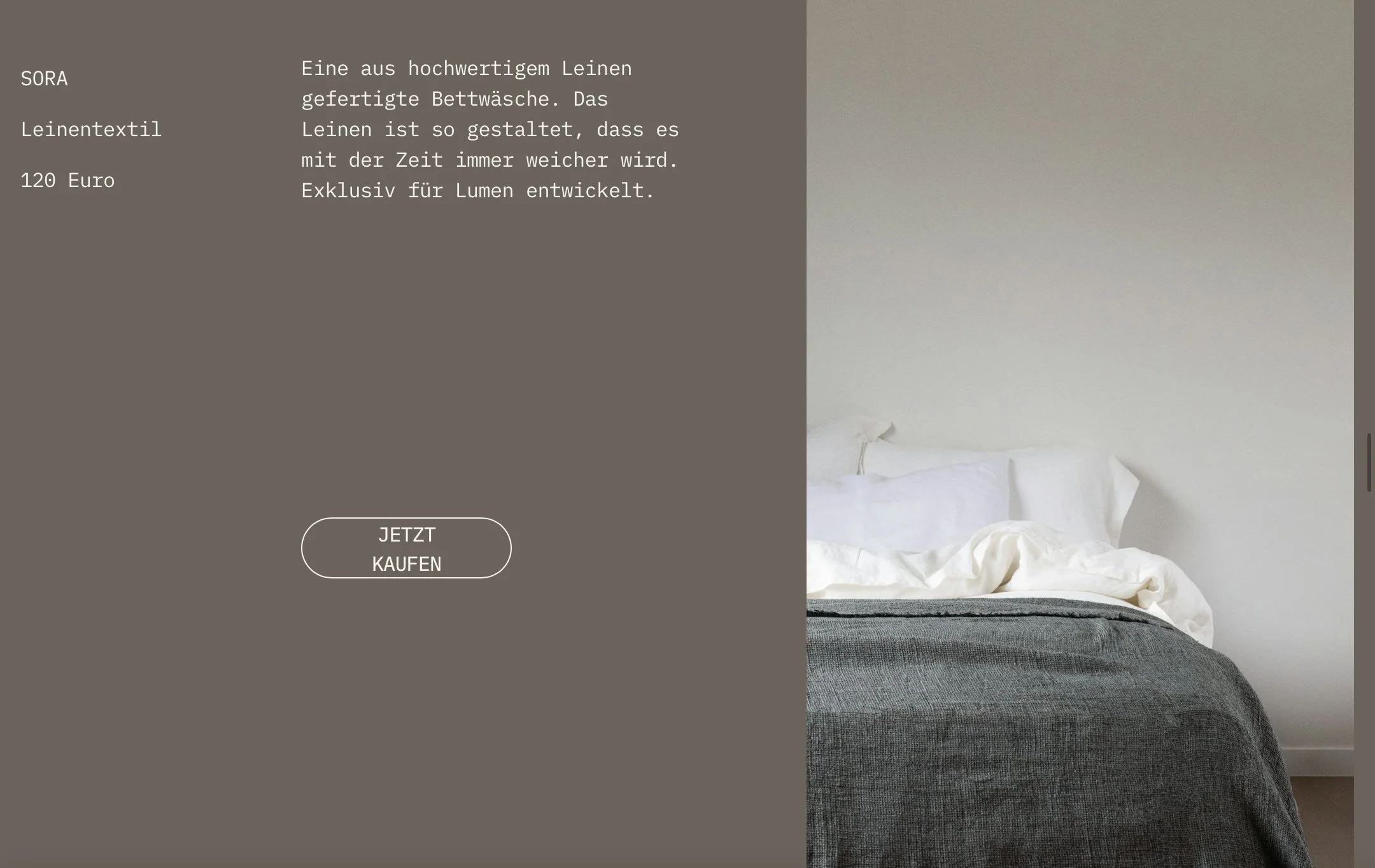
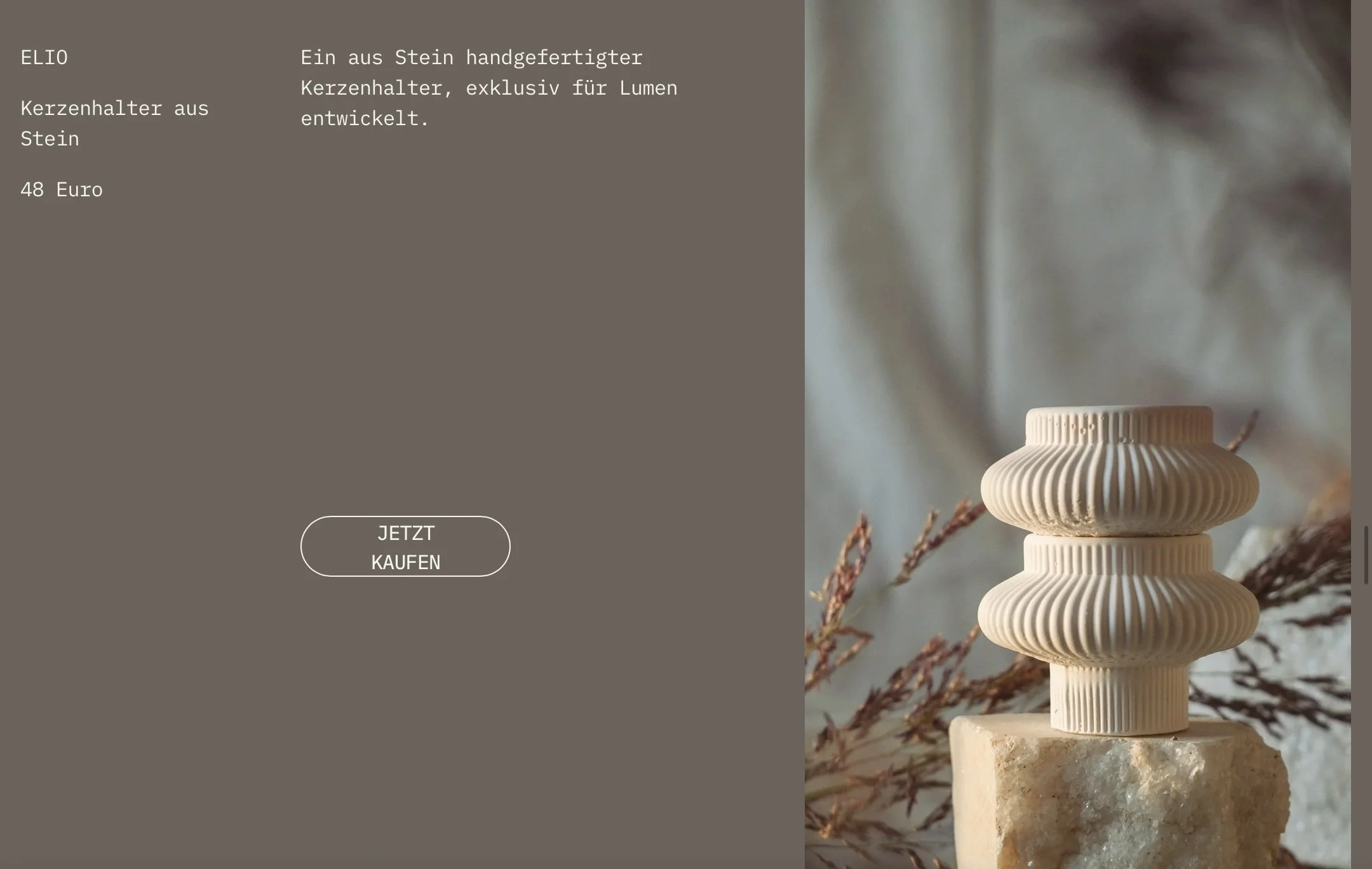
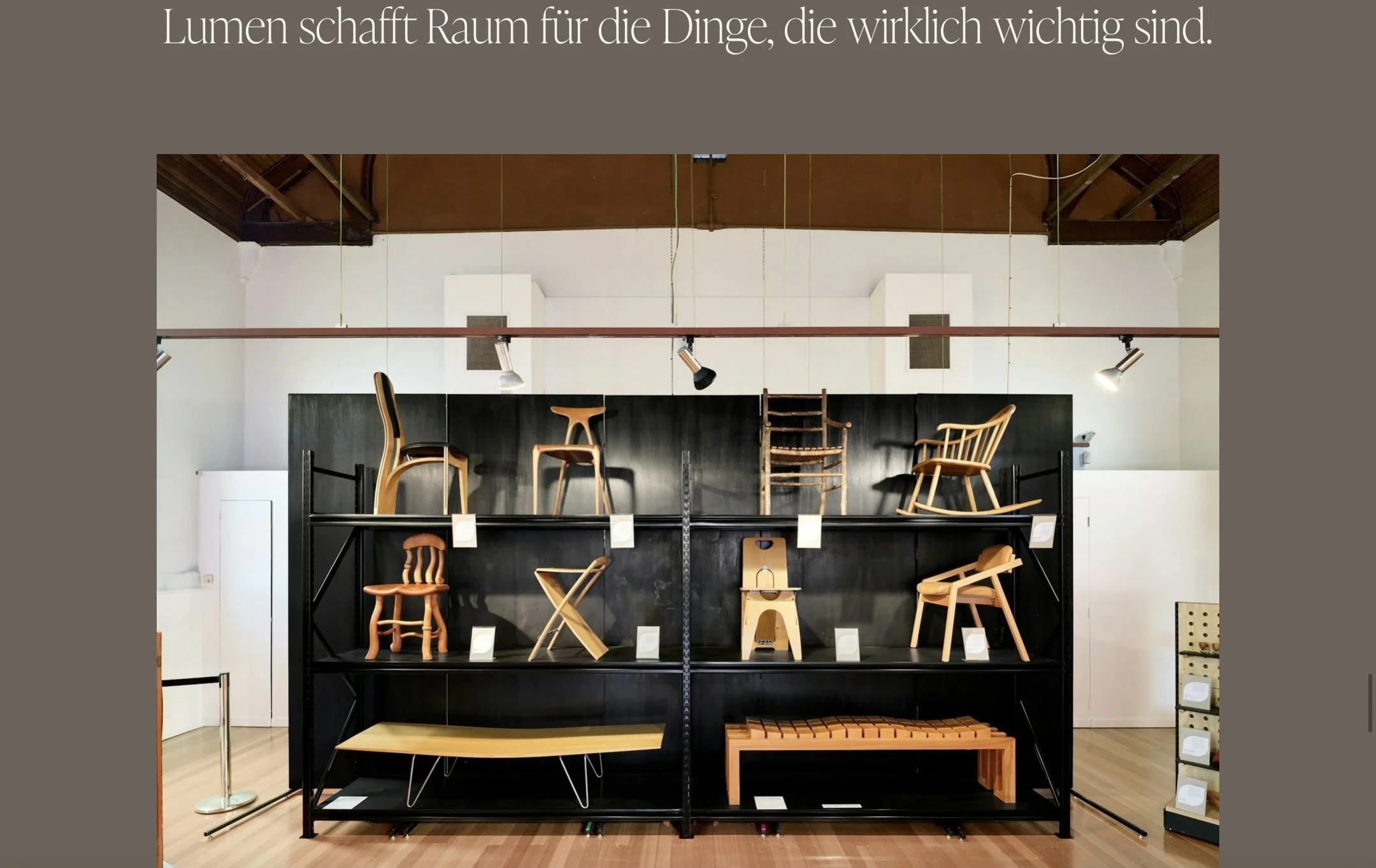
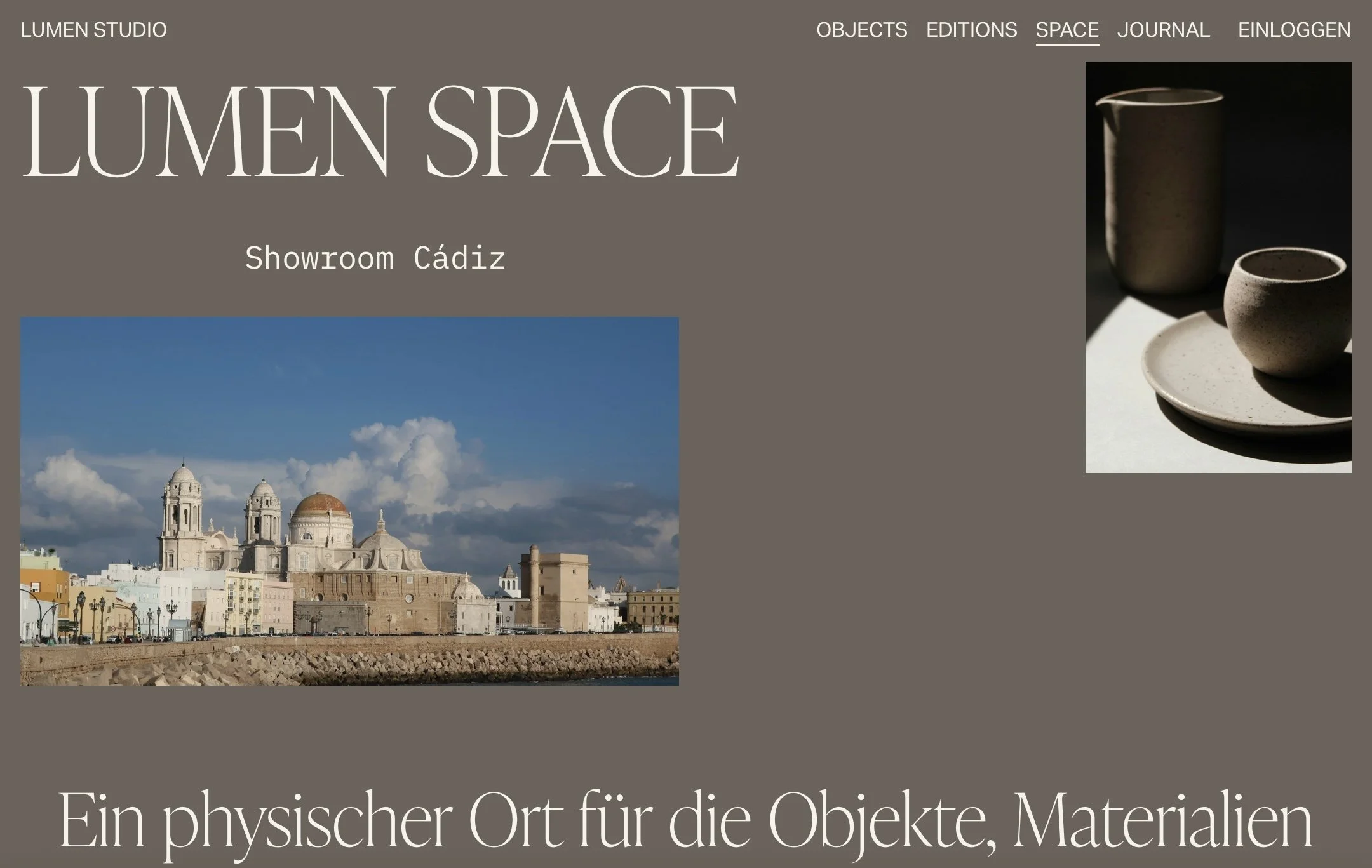
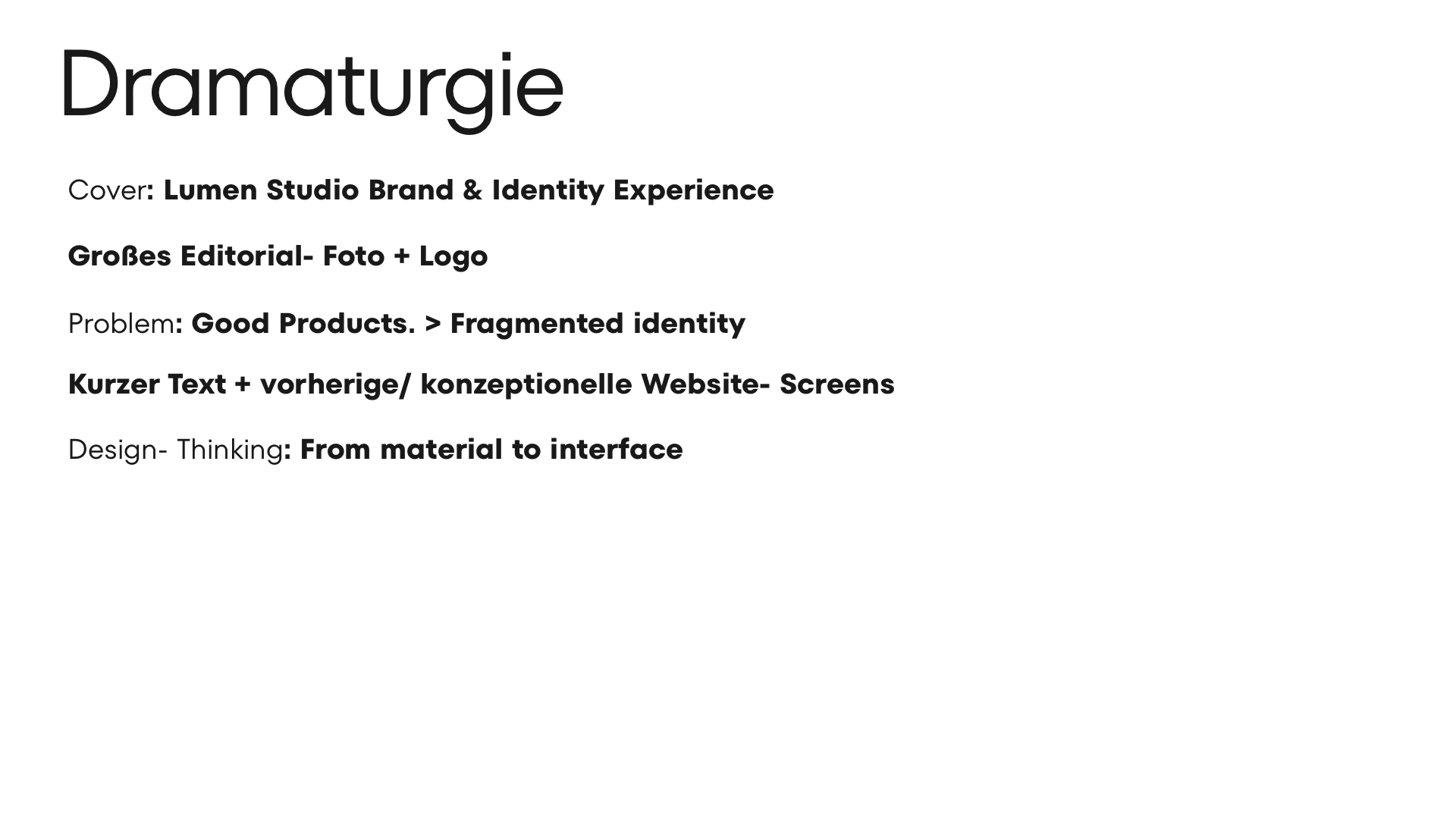
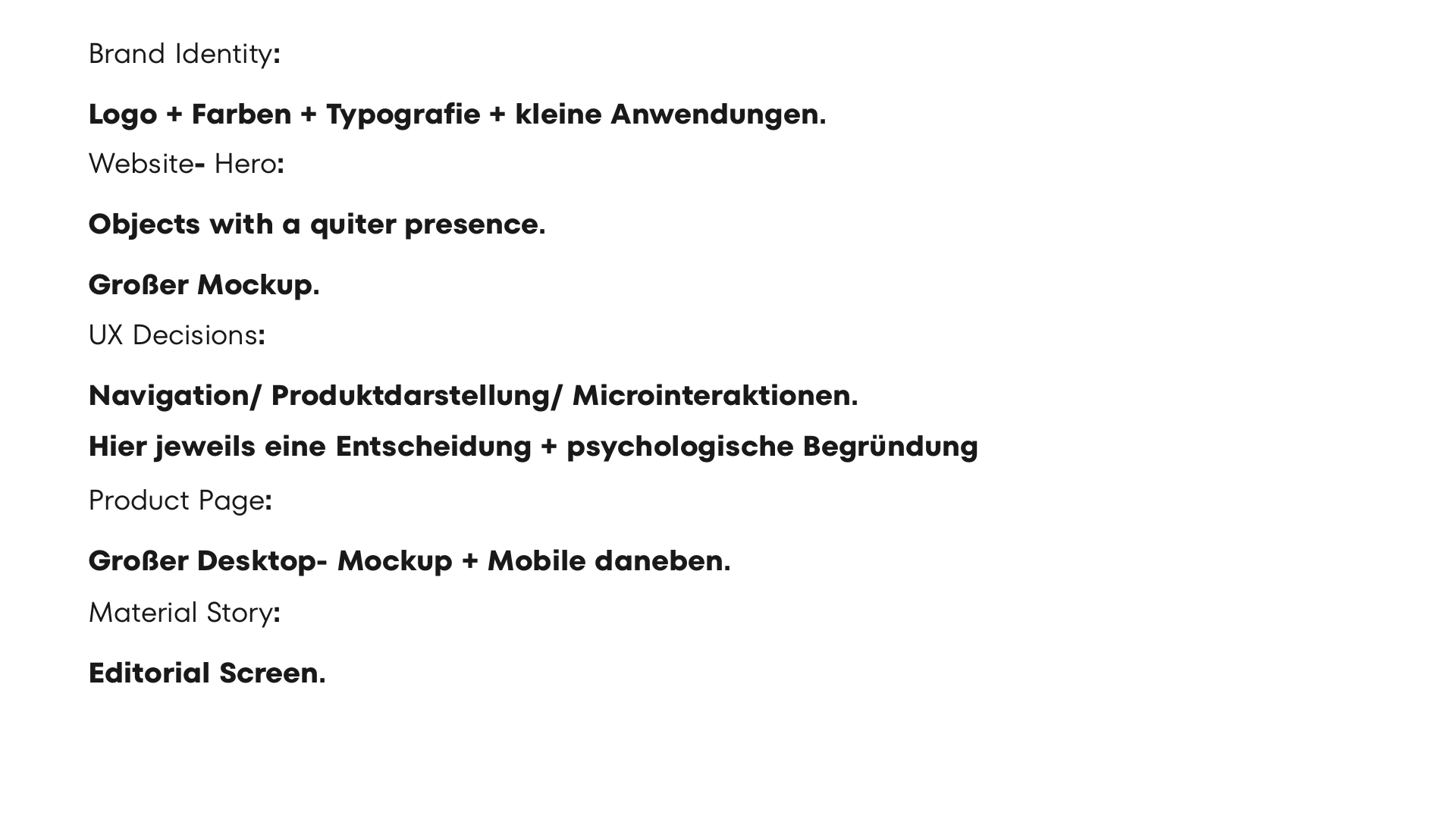
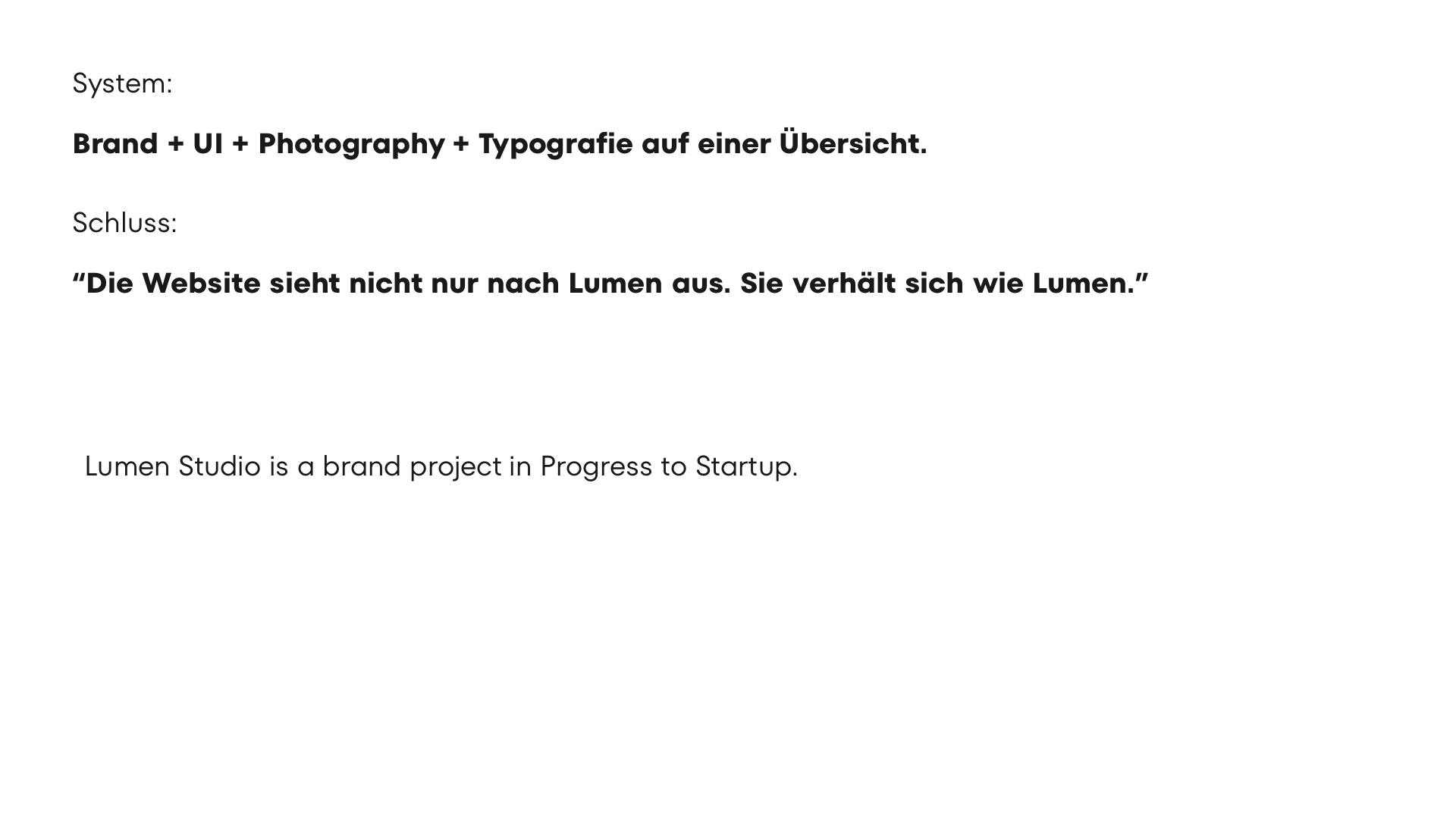
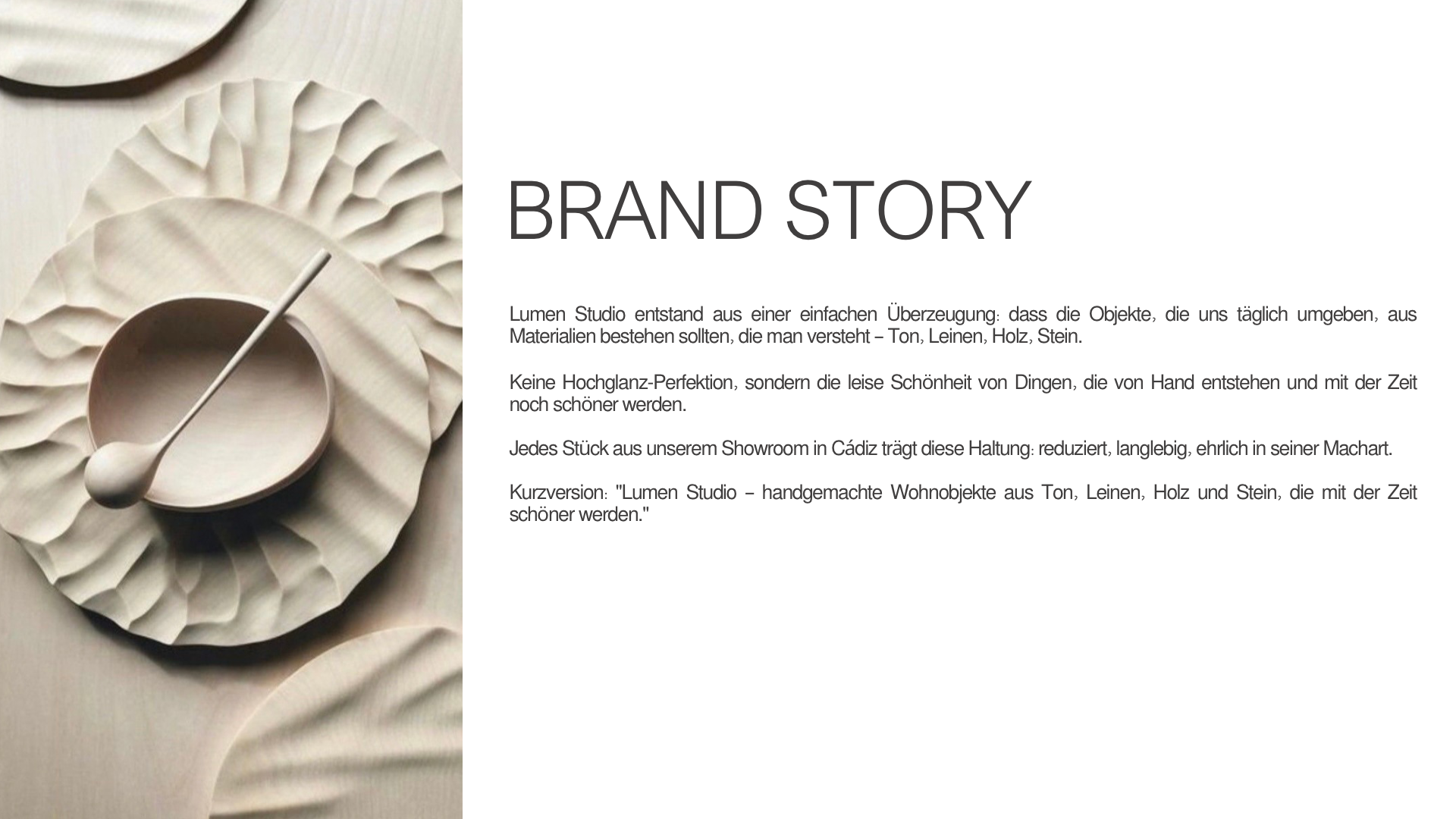
For Lumen Studio, a small concept studio for sustainable home accessories and interior design objects that sells online
Concept project - Branding - Art Direction - UX/UI
The starting point: Good products need a presentation that truly reflects their quality.
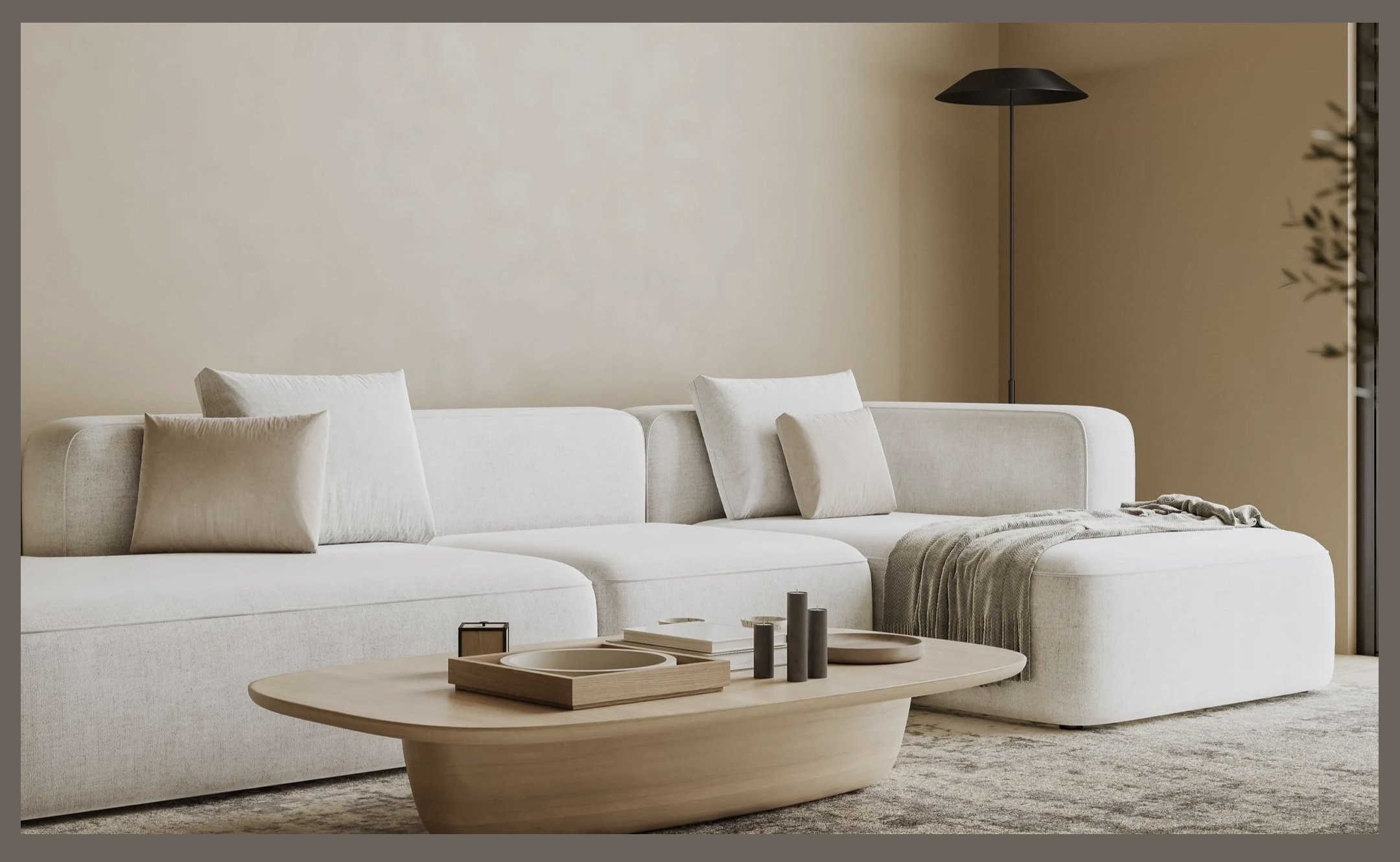
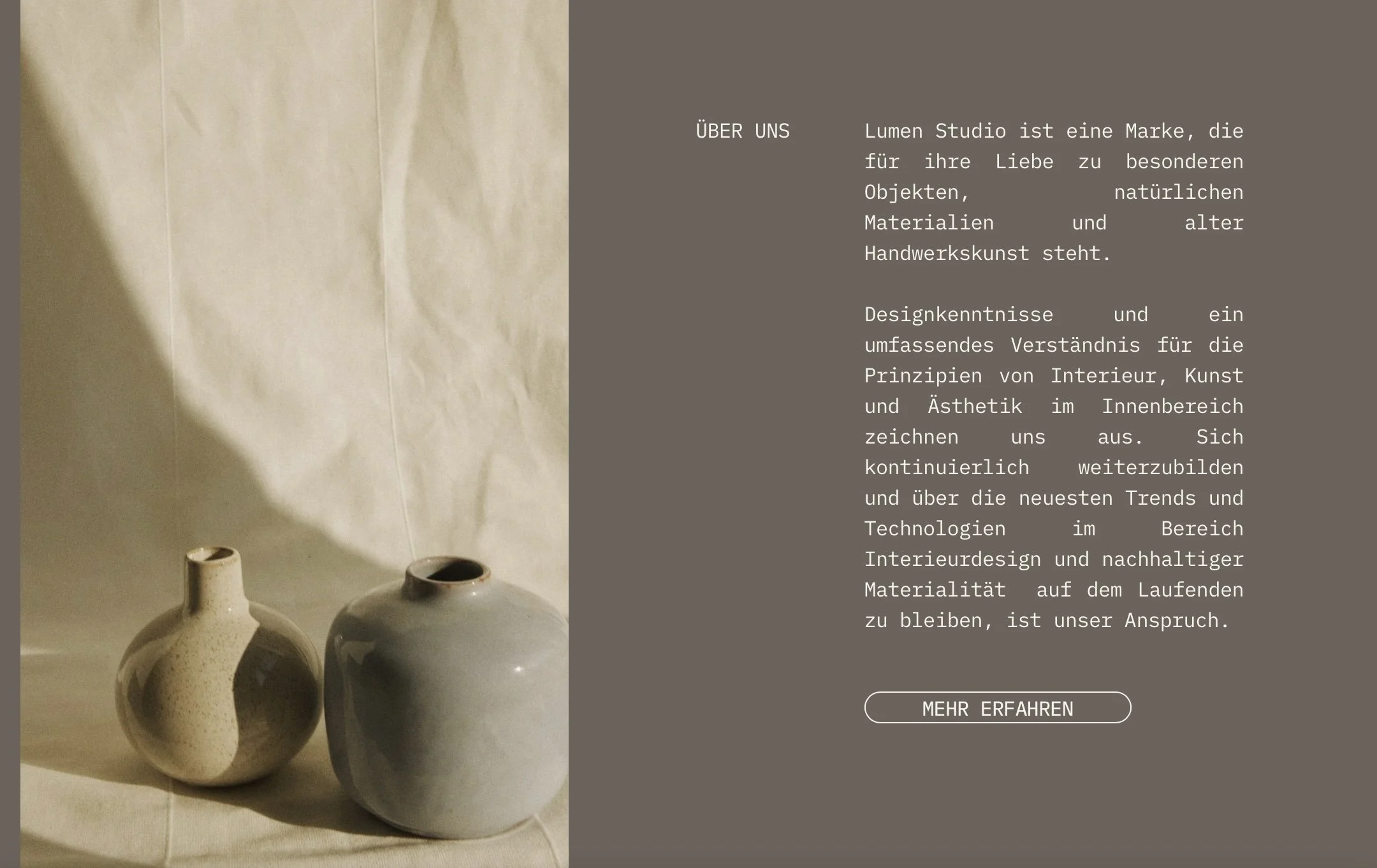
Lumen Studio's products are minimalist, premium, and mindfully designed.
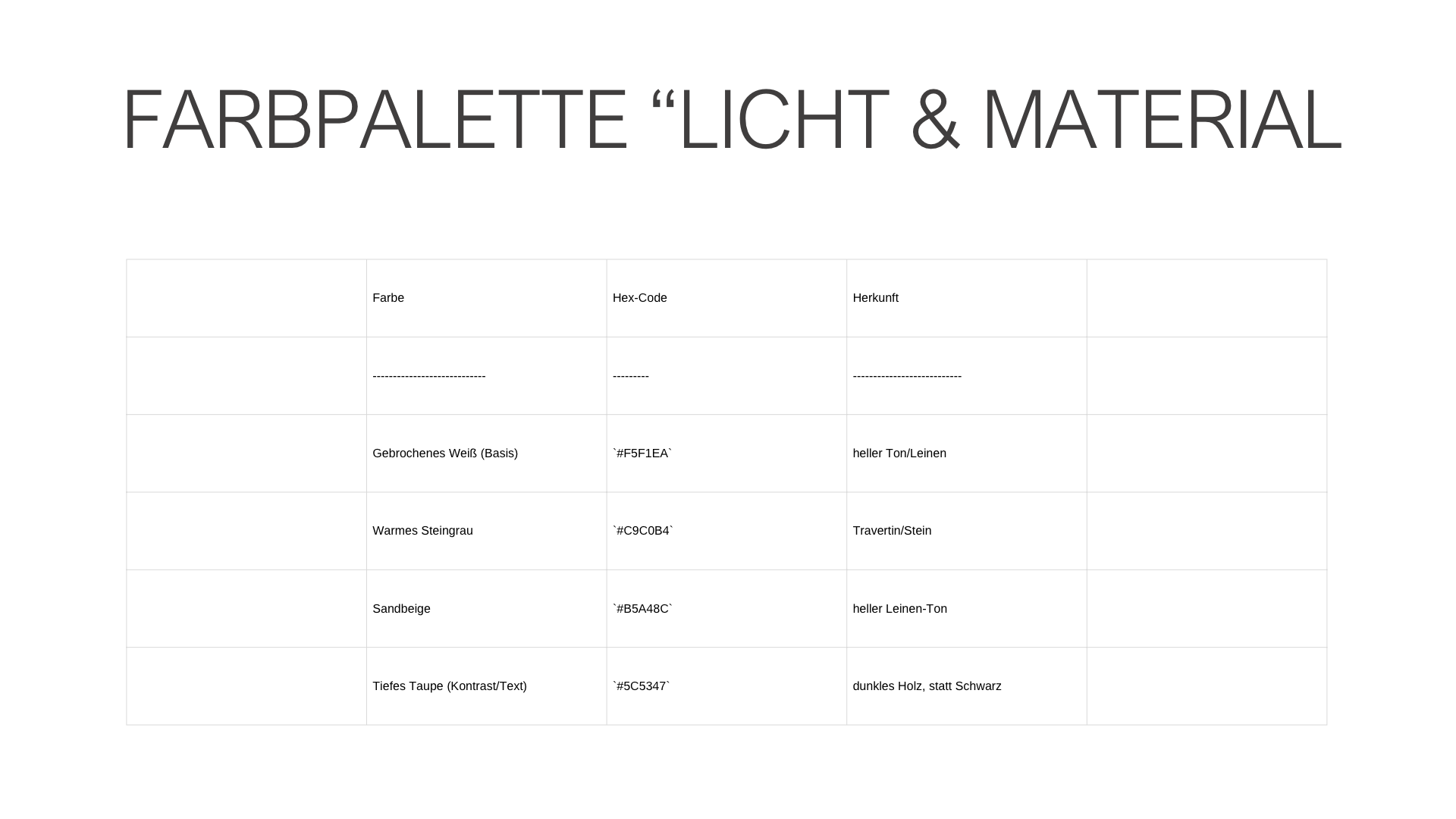
Problem: However, their digital presence doesn't tell this story. The logo, colors, website, and social media feel like separate pieces rather than a cohesive brand.
As a result, there is little brand recognition, and the true quality of the products gets lost amidst the visual clutter.
The challenge: How can a digital brand convey the materiality, calm, and value of the products without being loud?
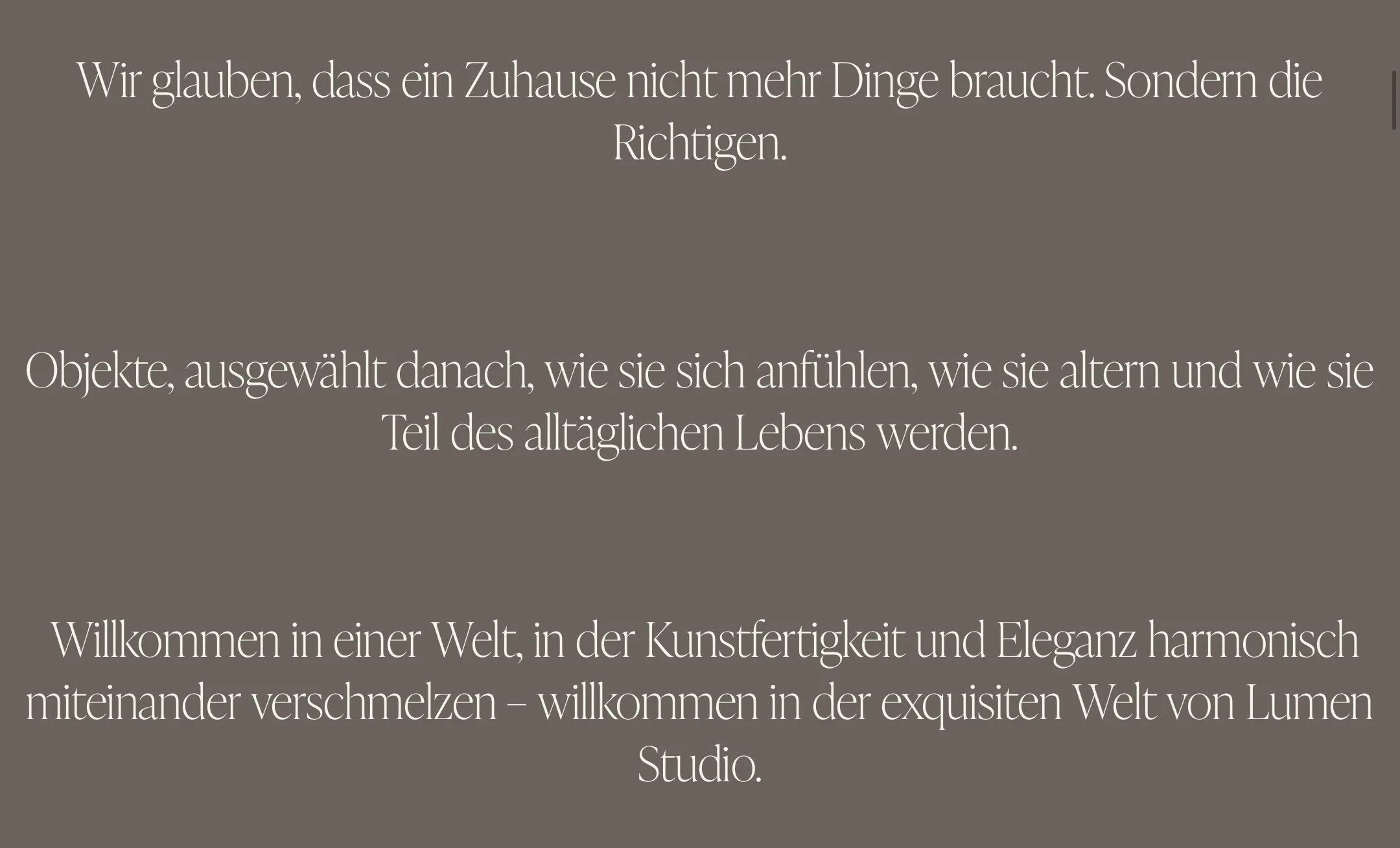
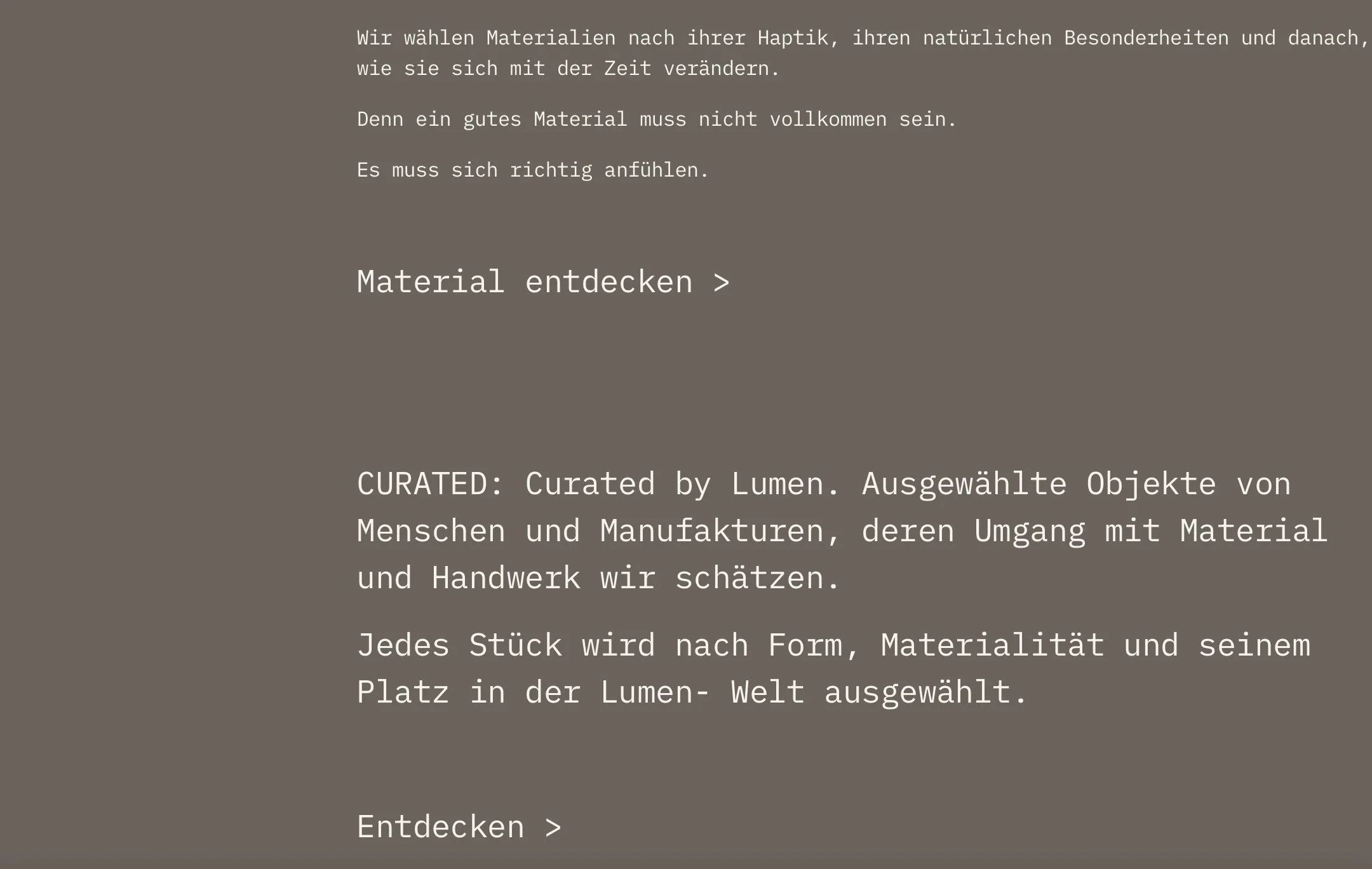
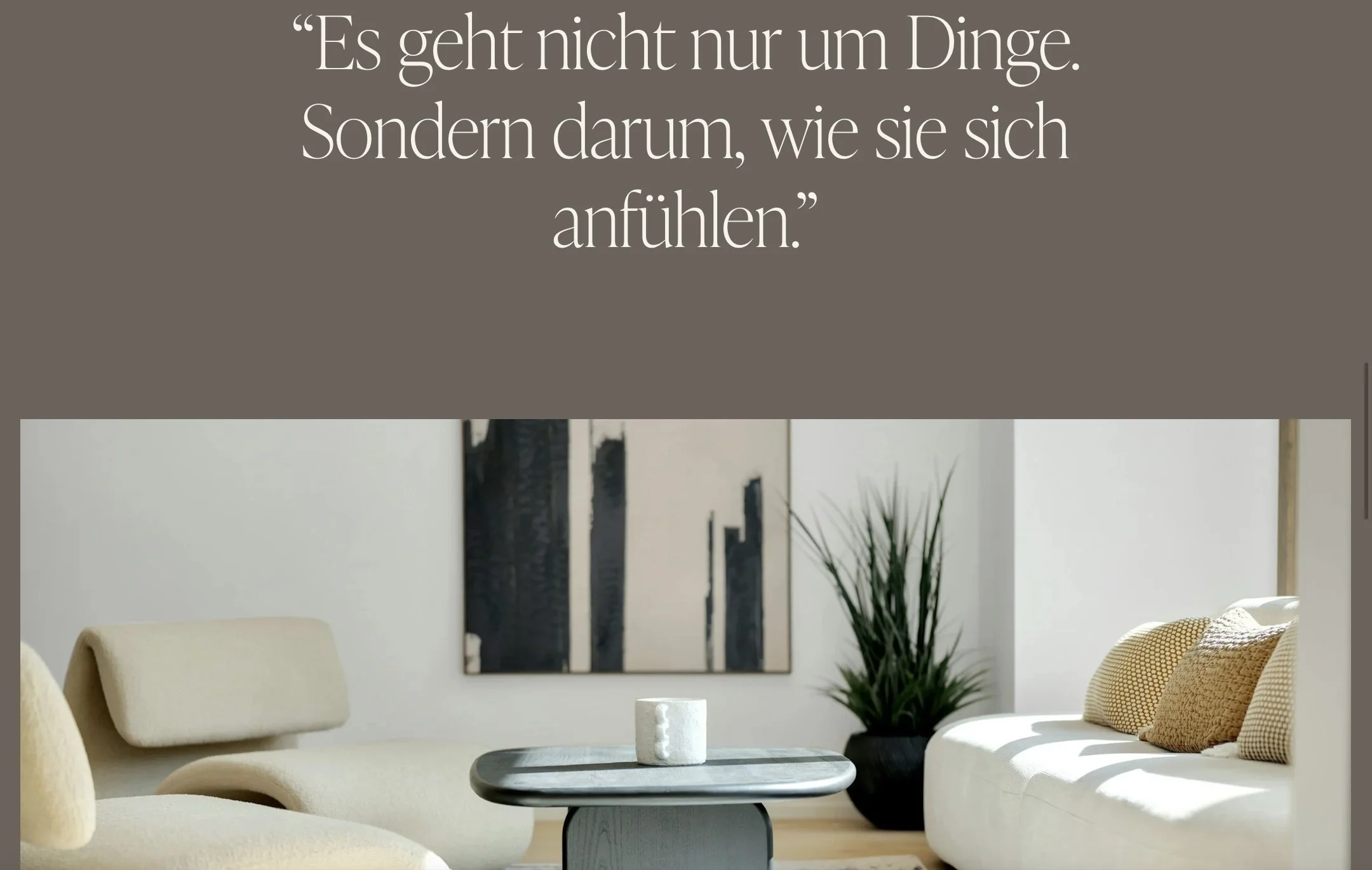
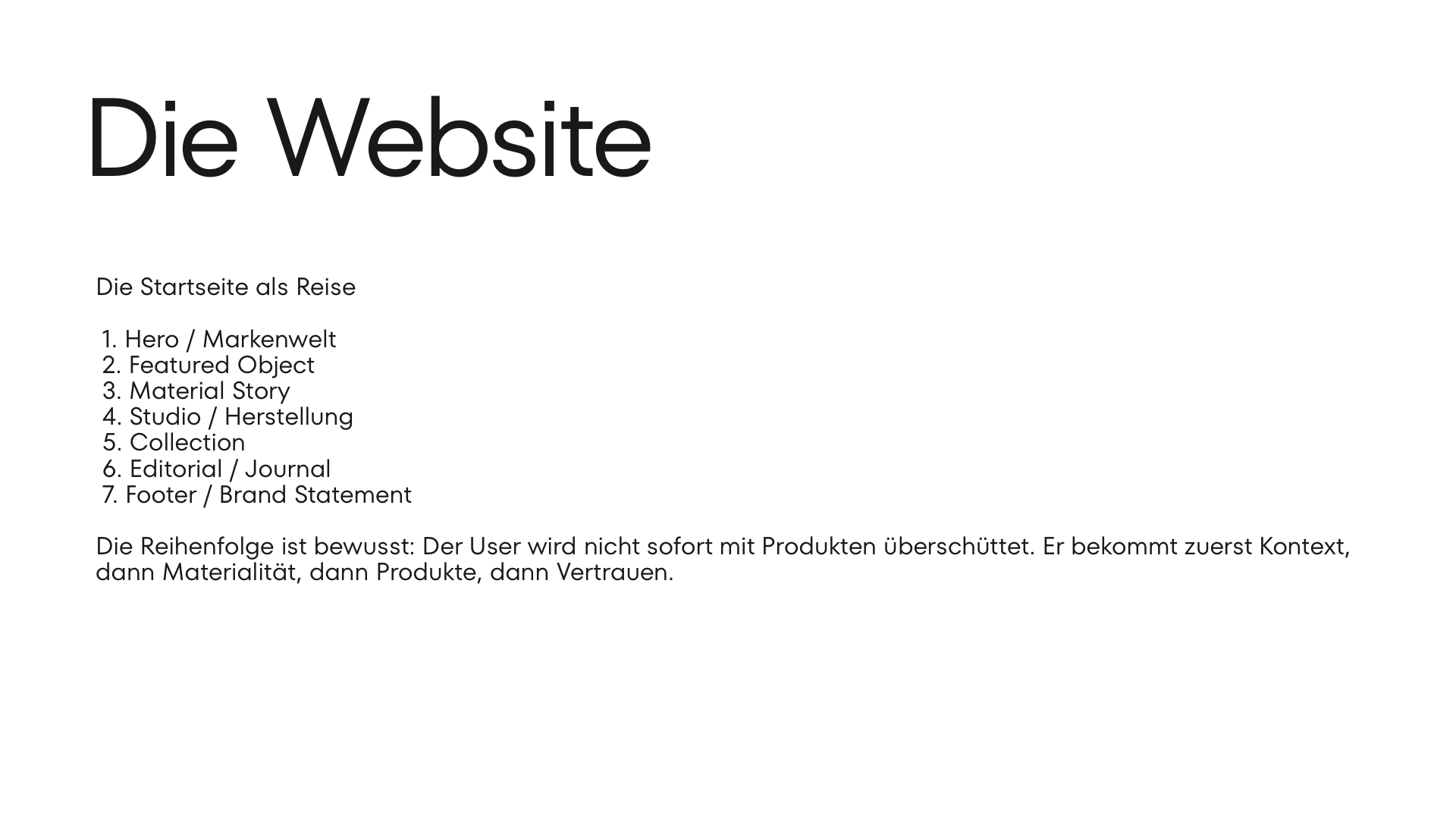
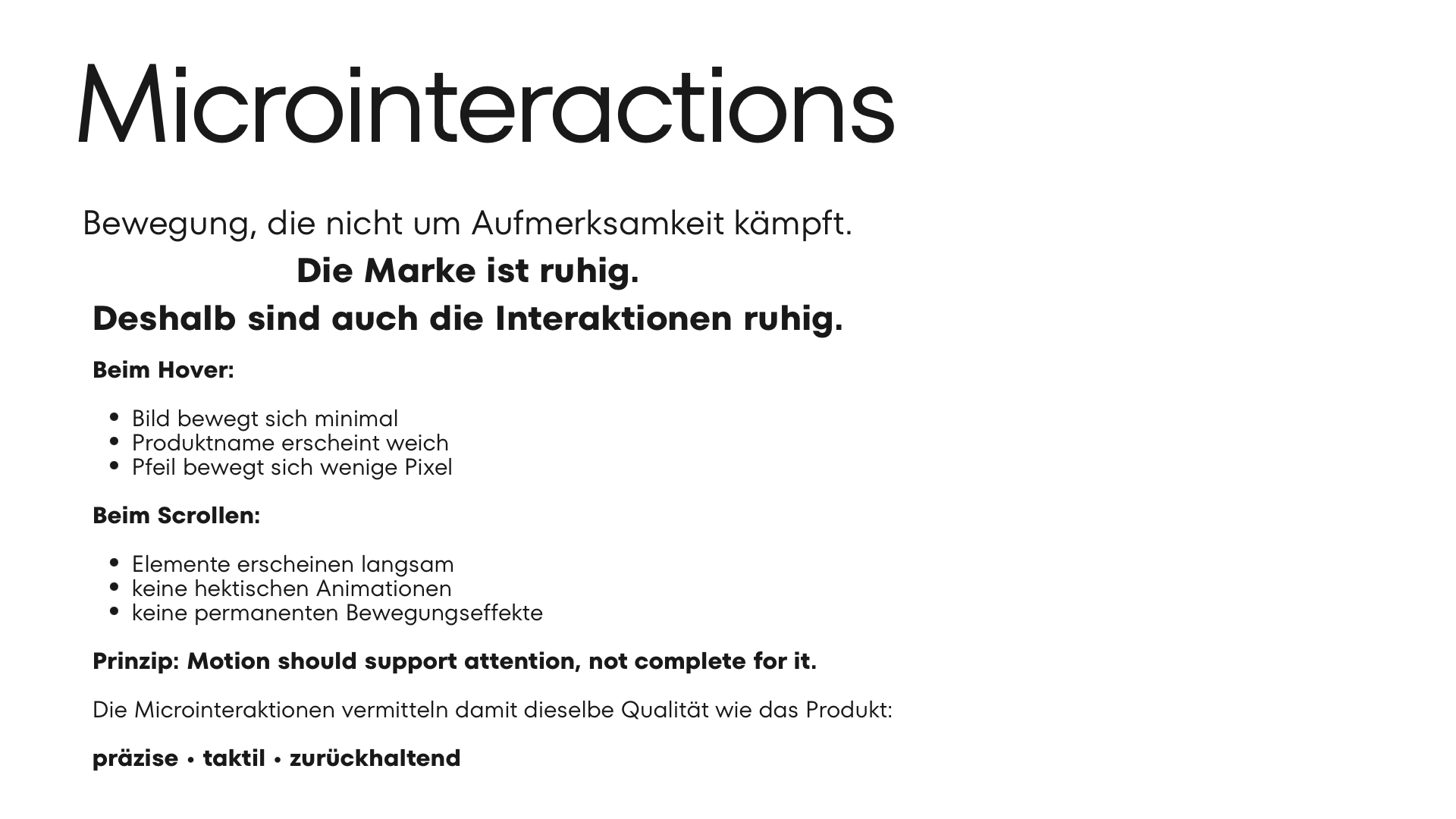
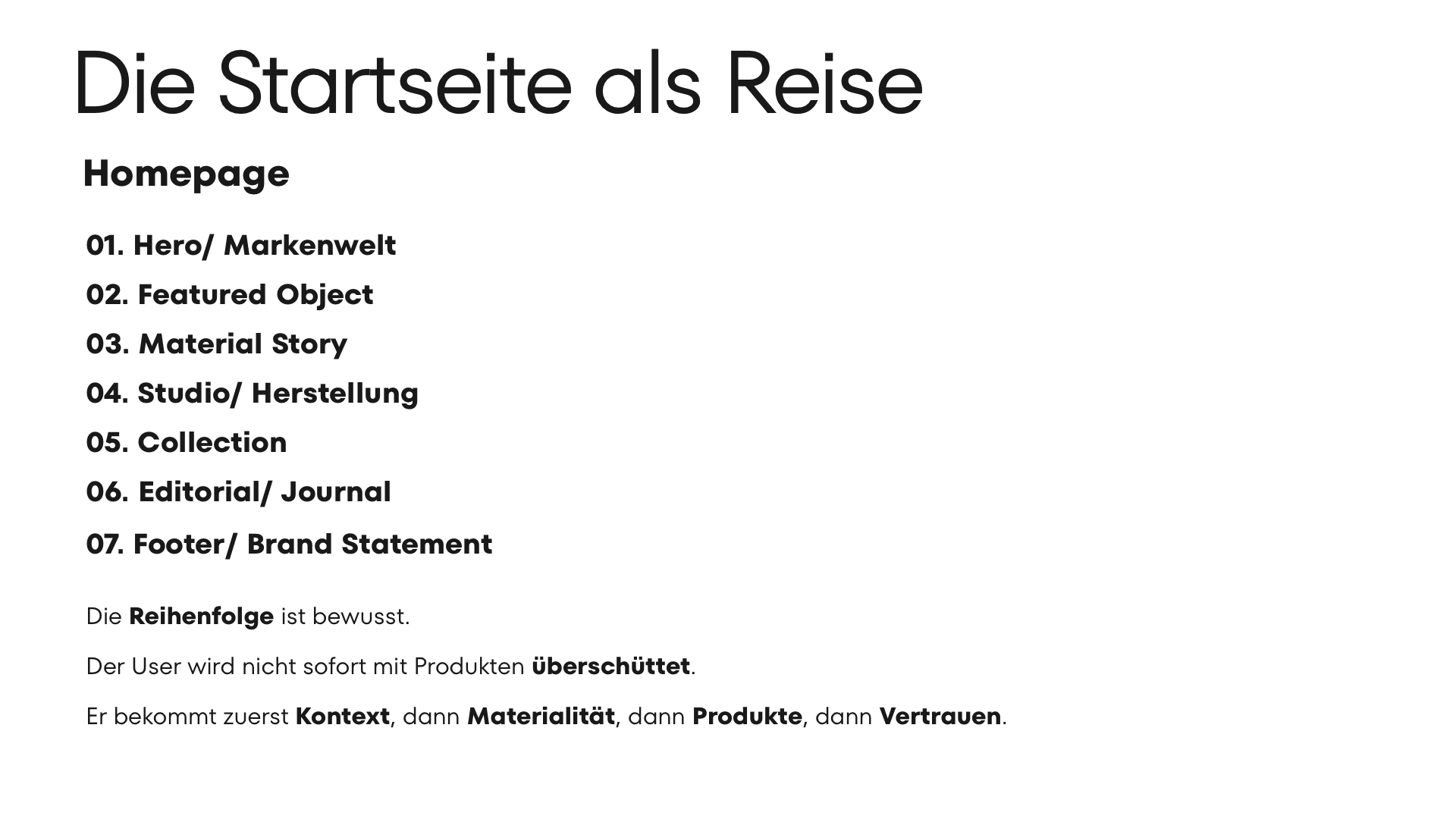
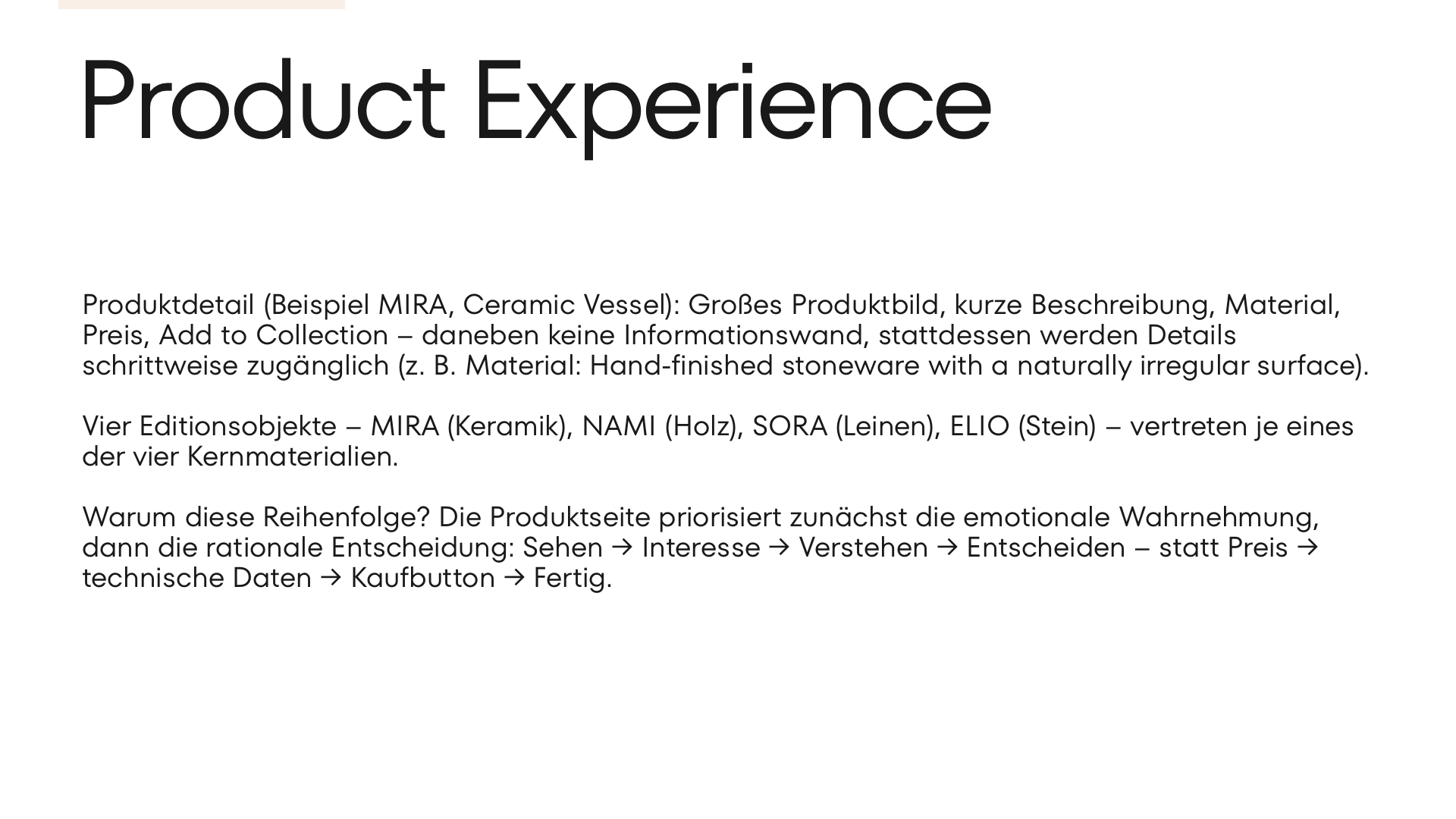
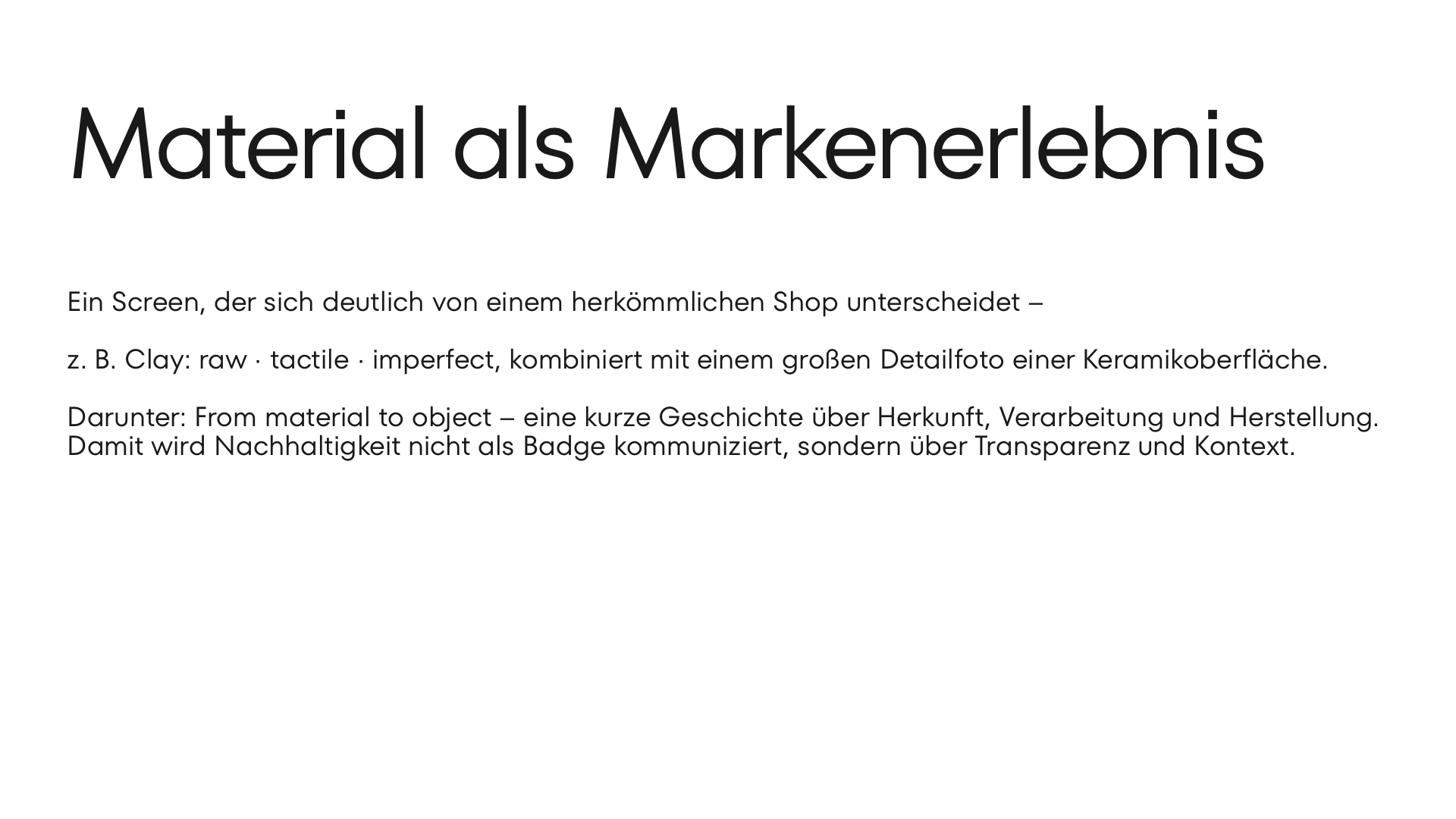
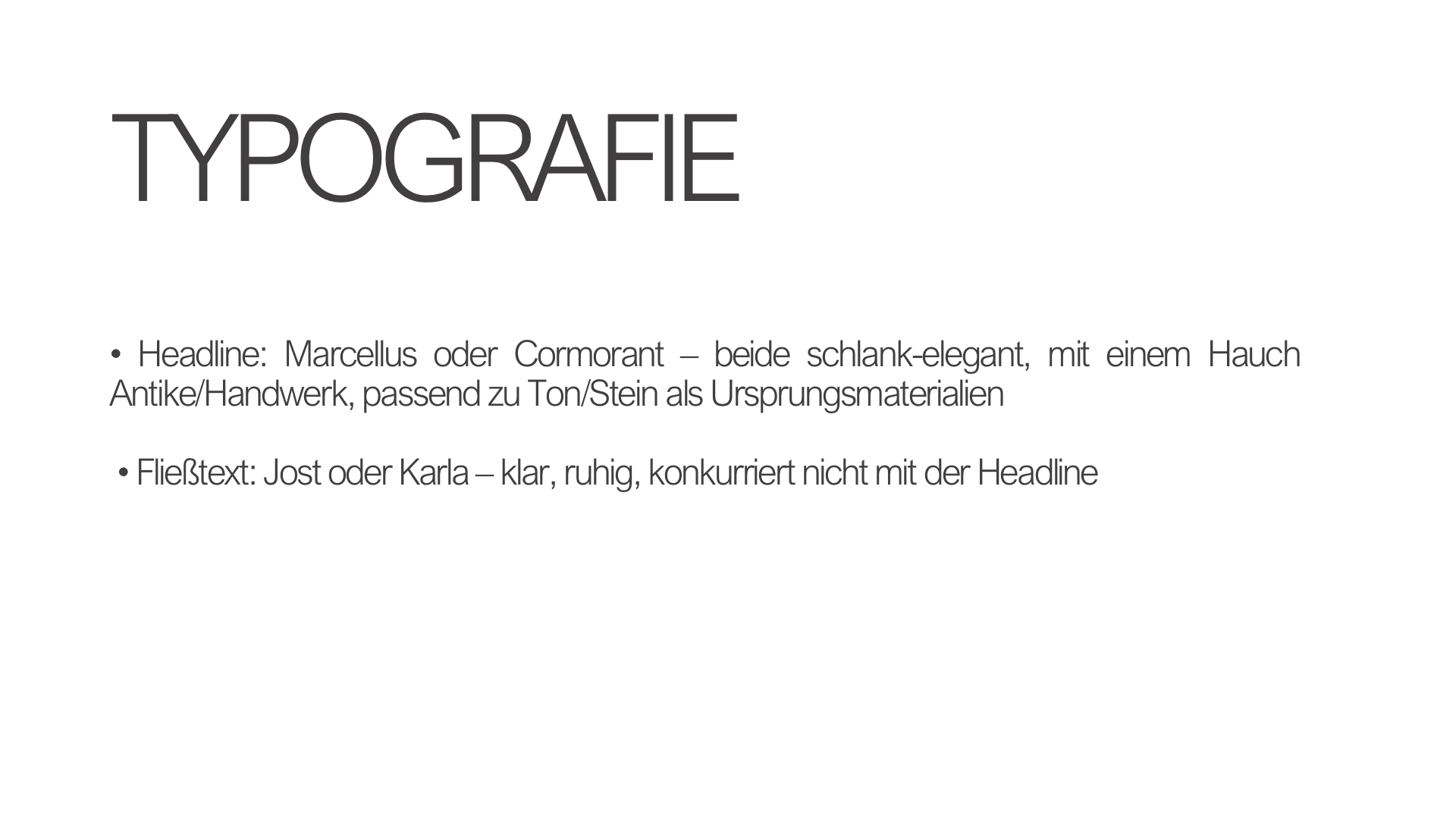
The idea: From materiality to digital experience. > Design doesn't start with the logo. > It starts with the products.
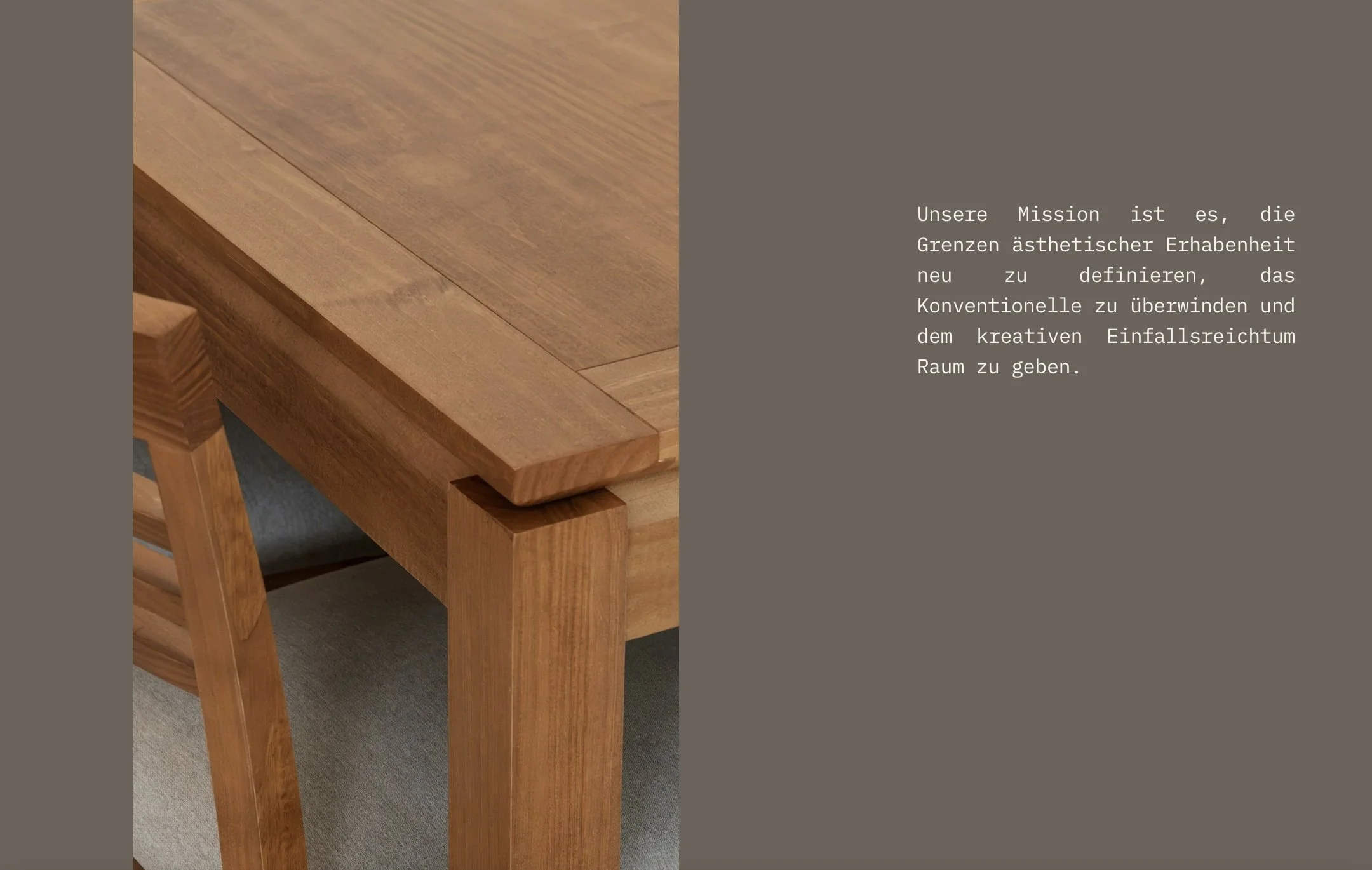
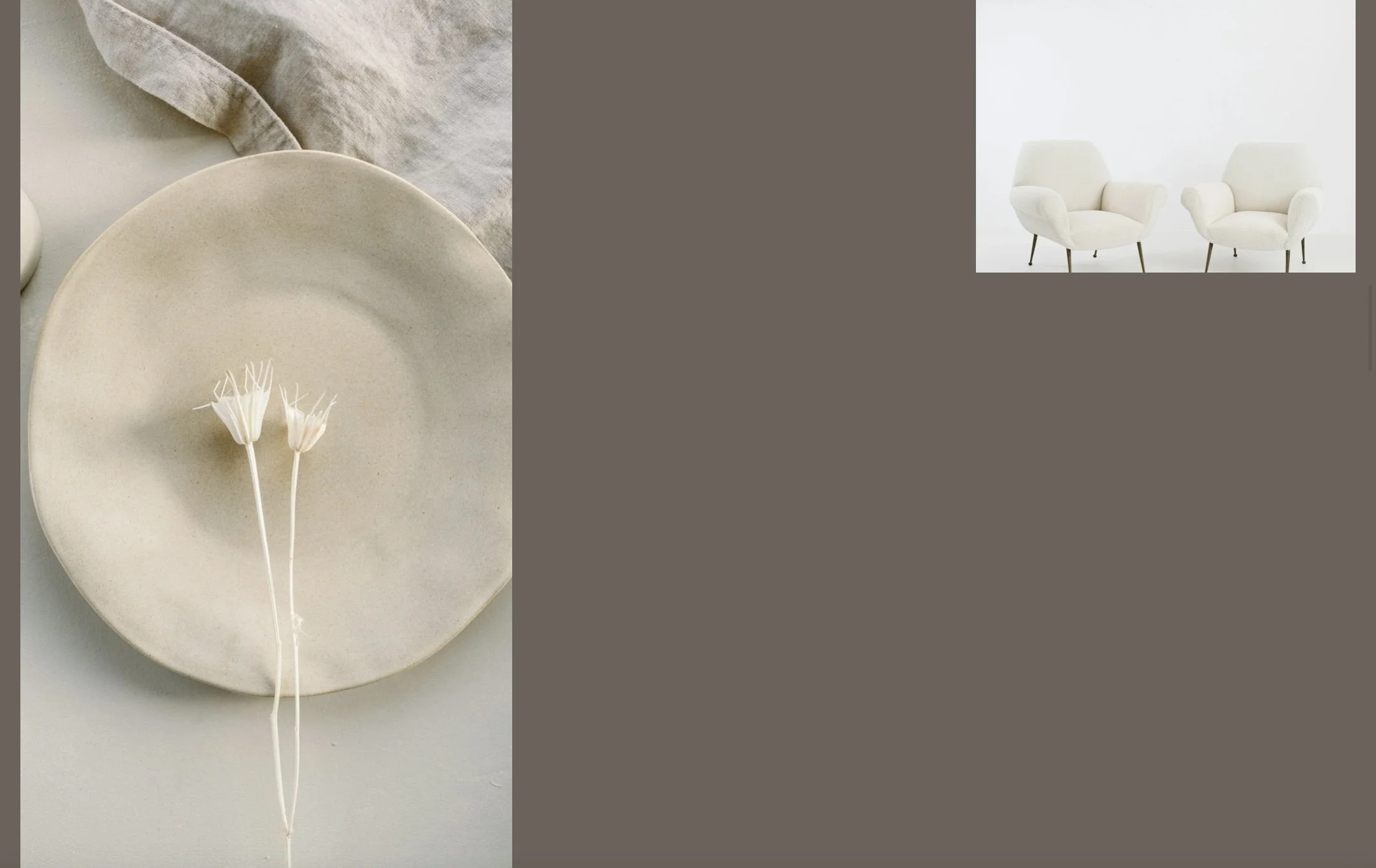
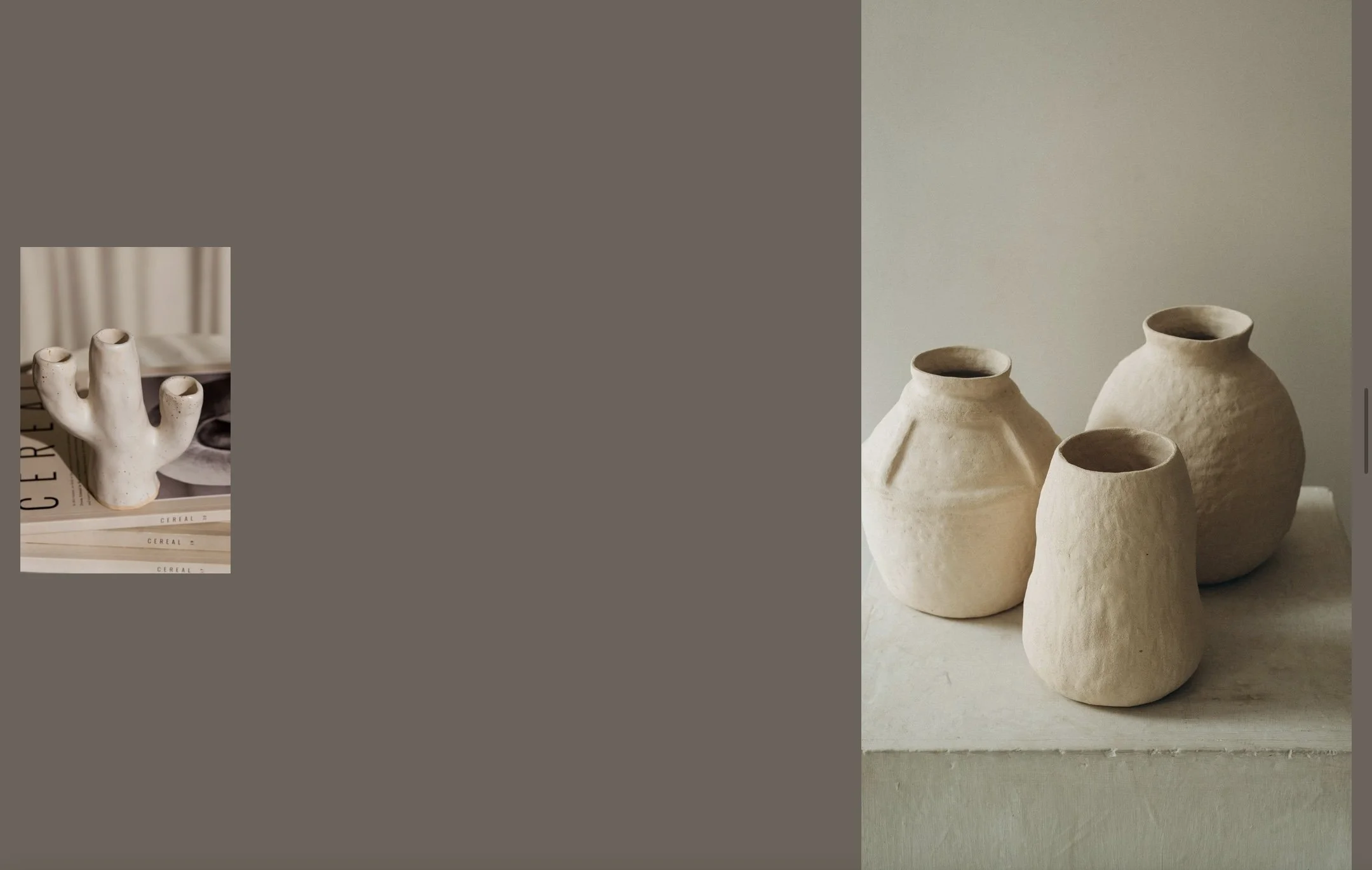
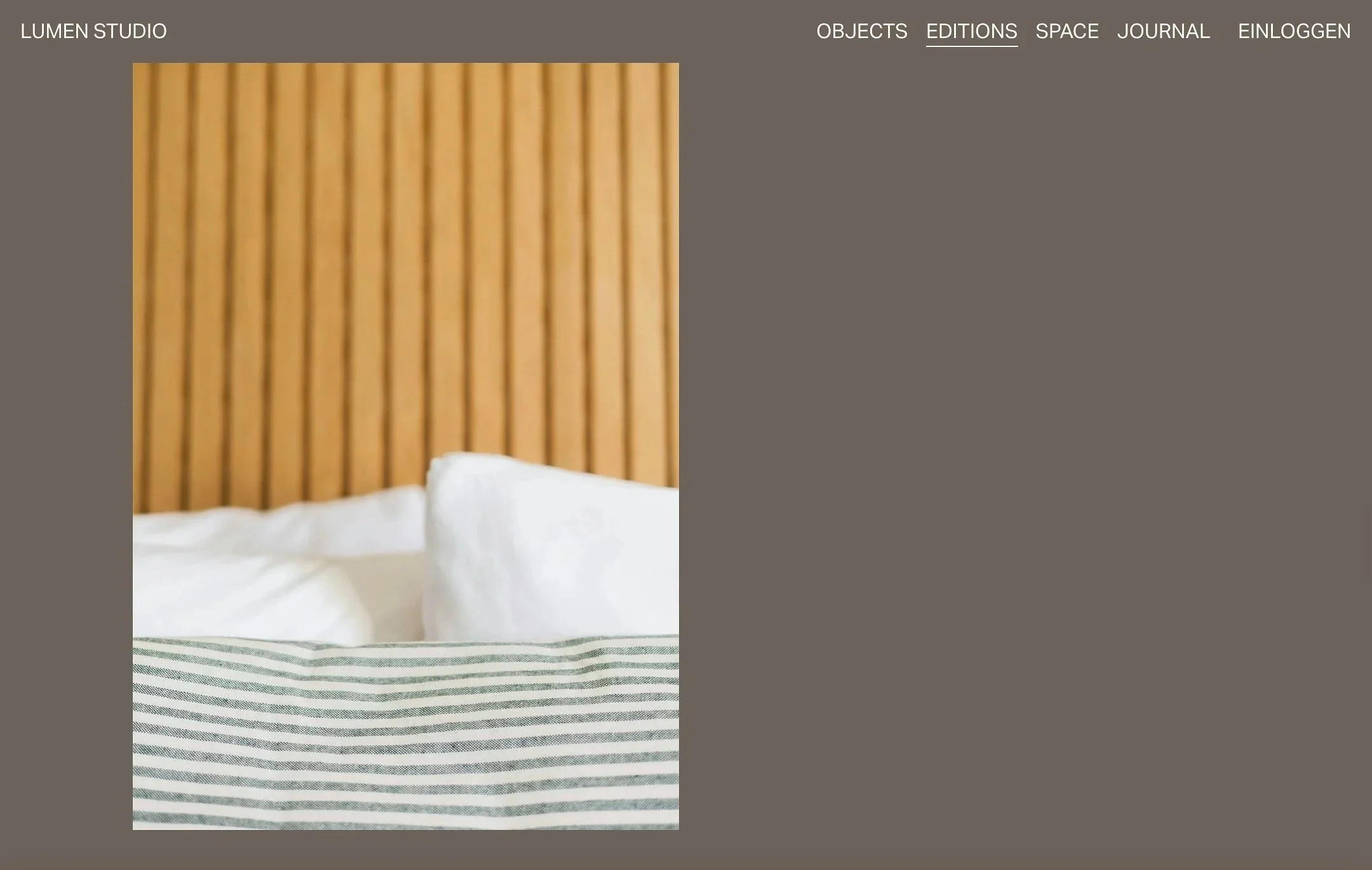
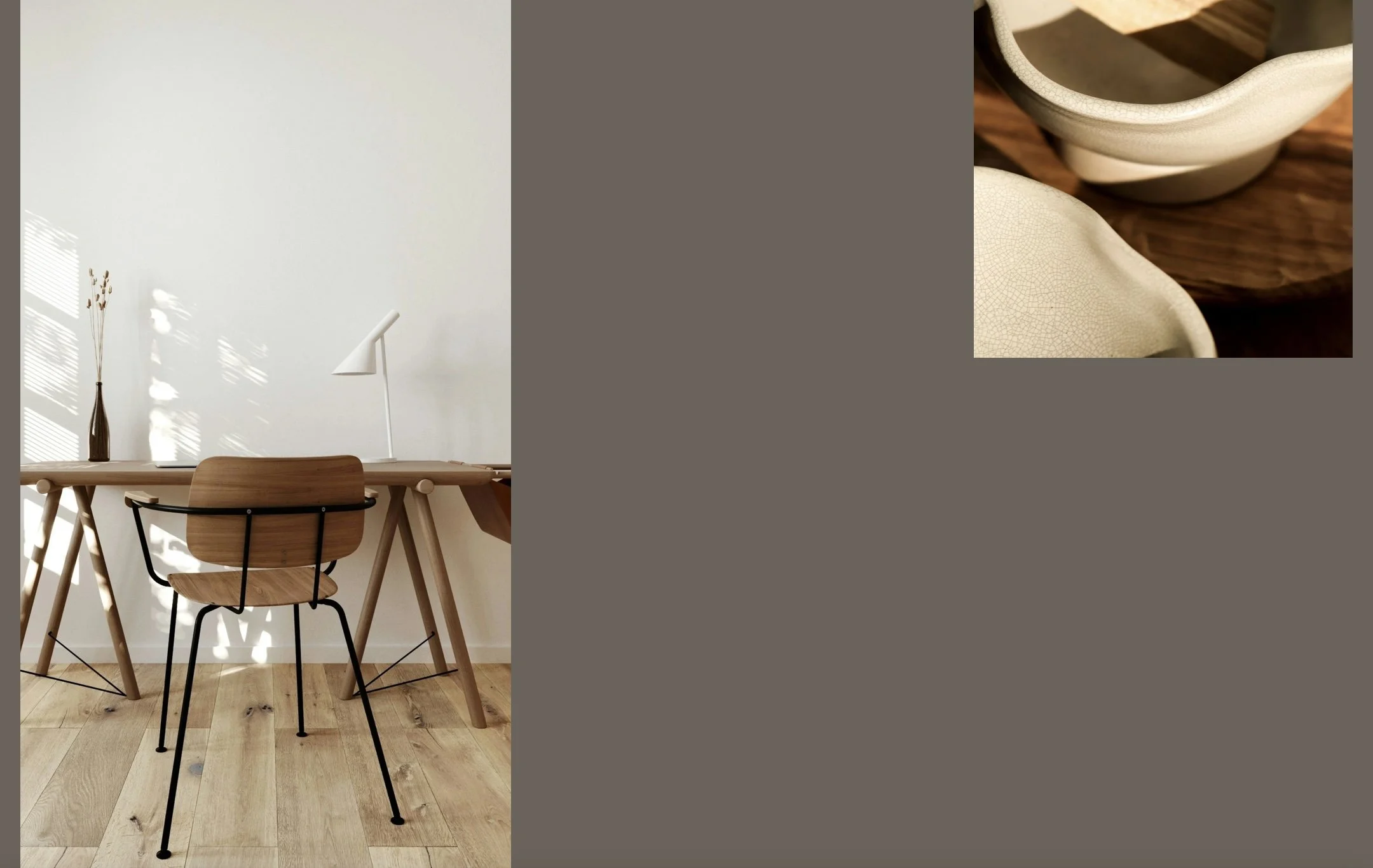
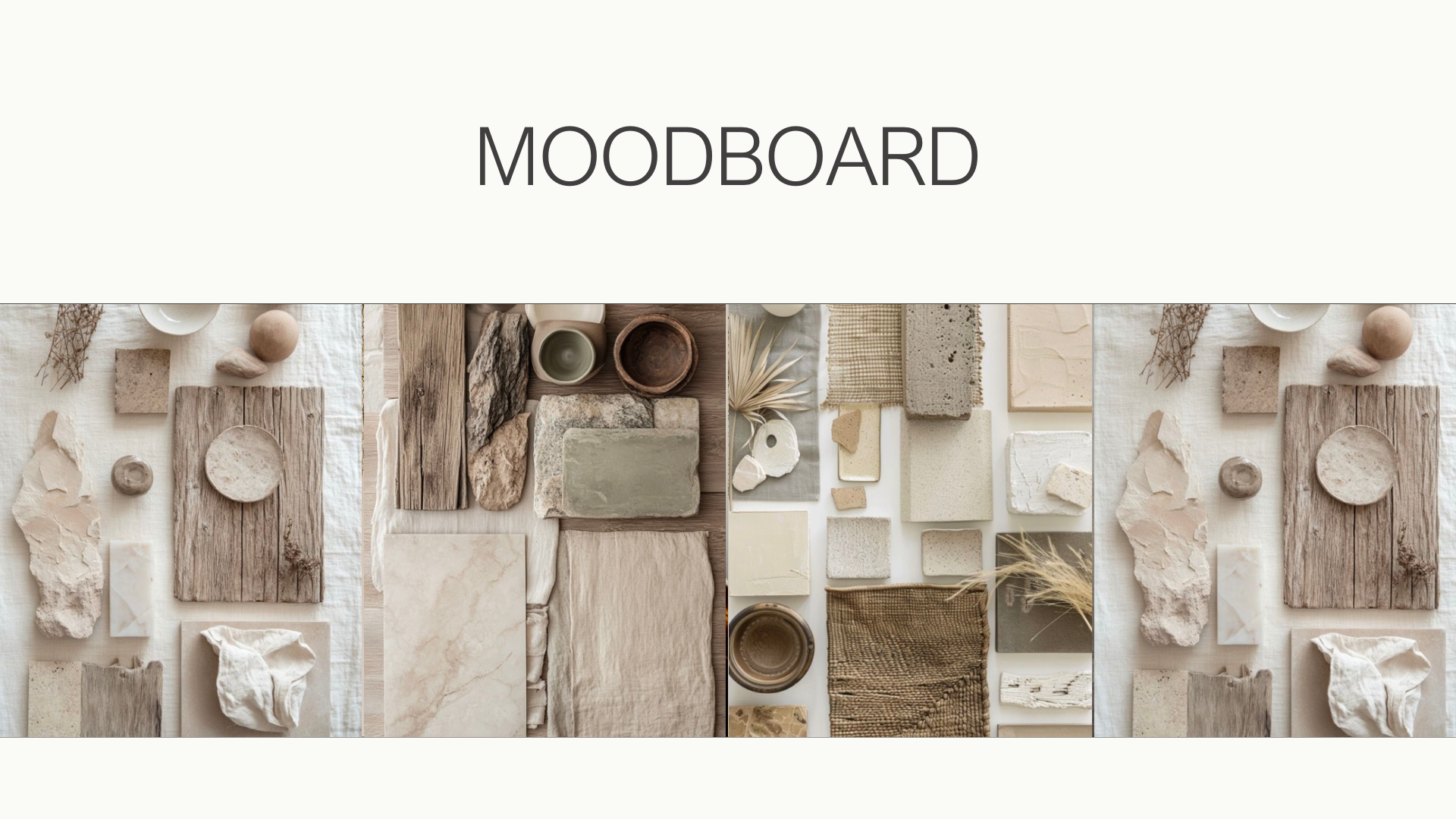
Linen. Ceramics. Wood. Stone. Crafted surfaces. Natural irregularities.
> These qualities form the foundation for the entire system.
Lumen Studio is a startup brand project transitioning into its own studio.
Case Study. Lumen Studio

The Website
Startup brand project. Lumen Studio.